
Overview
Role accounts are shared email addresses like info@, support@, and sales@ that belong to a team or function rather than a single person. This guide explains what role based addresses are, why they raise spam complaint and deliverability risk, when they are actually acceptable to email, and how to detect and segment them.
By the end you will have a clear policy for handling role accounts so they help your outreach where it makes sense and protect your sender reputation everywhere else.
What is a role based email address?
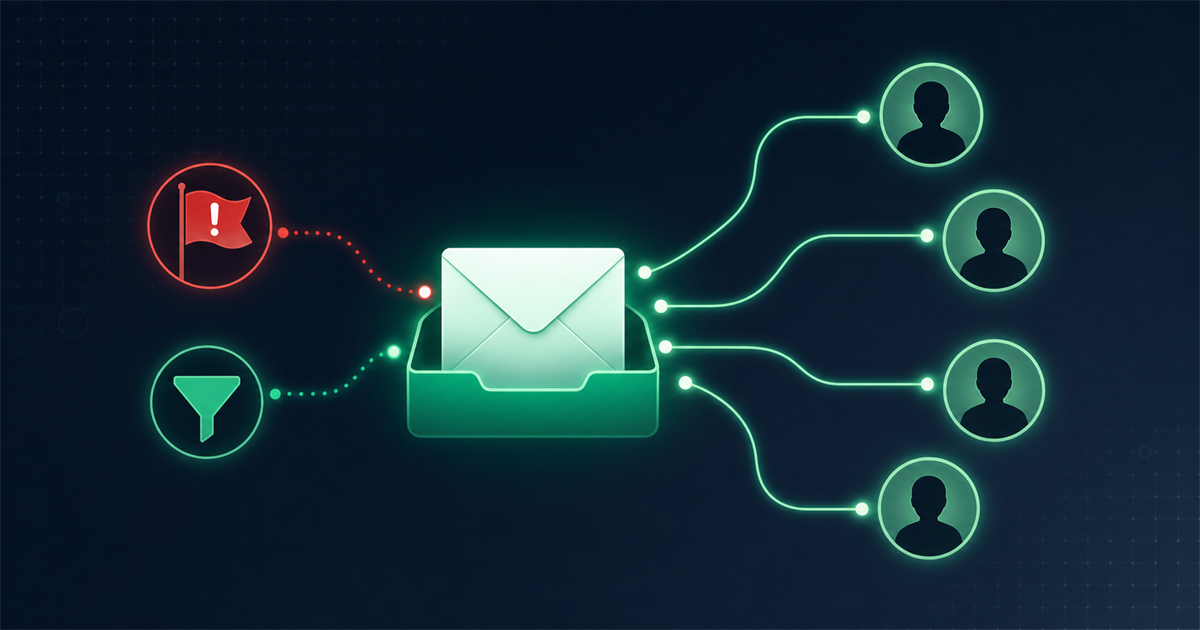
A role based email address is one tied to a job function or department instead of a named individual. The mailbox is usually monitored by several people, or by whoever currently holds that responsibility, and the address stays the same even as staff change.
Typical examples include:
- info@ and contact@ for general inquiries
- support@ and help@ for customer service
- sales@ and marketing@ for commercial contact
- admin@, billing@, and webmaster@ for operations
- noreply@ and postmaster@ for system mail
Verification tools recognize these by matching the part before the @ against a database of known role prefixes, of which there are well over a hundred across categories like support, sales, and administration.
Why do role accounts raise spam complaint and deliverability risk?
Role accounts raise risk because a message sent to a shared inbox can be seen, and complained about, by anyone who monitors it, and none of them personally opted in. That mismatch between how the address behaves and how permission based email is supposed to work is what makes providers cautious.
The specific problems are:
- Higher complaint rates. Whoever opens a shared inbox may mark your unsolicited message as spam, and even a small bump in complaints signals to mailbox providers that you send unwanted mail.
- No single owner or consent. Marketing best practice and many regulations rest on individual consent. A role address rarely gave that consent, which weakens both your legal footing and your engagement.
- Lower engagement. Shared inboxes are triaged quickly, so your carefully written campaign is more likely to be skimmed, forwarded, or ignored than opened and clicked.
- Filtering and blocking. Some organizations configure role addresses to reject external marketing mail outright, which produces bounces.
- Reputation drag. A list heavy with role accounts tends to show weaker engagement overall, and inbox providers factor engagement into whether you land in the inbox or spam.
When is it acceptable to email a role account?
It is acceptable to email a role account when the message is relevant to that function and the contact is genuinely warm or expected, which is common in B2B. The address exists to receive certain kinds of mail, so context decides everything.
Reasonable cases include:
- Direct B2B outreach that fits the function. Emailing sales@ about a partnership or billing@ about an invoice is on topic and expected.
- Transactional and operational mail. Order confirmations, account notices, and replies to an inquiry that came from that address are legitimate.
- Existing relationships. If a client asked you to use support@ or a shared inbox as their point of contact, that is an invited send.
- Reaching small businesses. At tiny companies, info@ may be the only address and effectively belongs to the owner, so it behaves like a personal contact.
The common thread is relevance and expectation. Cold blasting a purchased list of info@ addresses is the opposite of these cases and is where the trouble starts.
When should you avoid emailing role accounts?
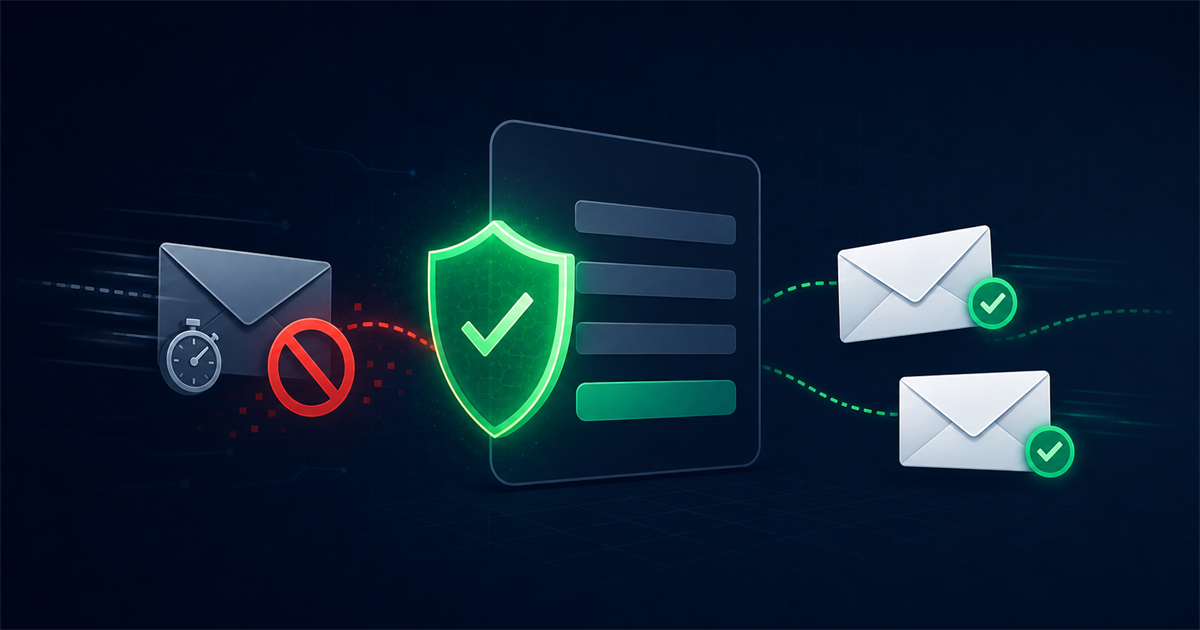
Avoid emailing role accounts in cold, high volume marketing campaigns where no one at that address opted in. This is the scenario most likely to generate complaints and bounces that damage your reputation.
Steer clear when:
- You are sending bulk promotional newsletters to addresses that never subscribed.
- The role address came from a scraped or purchased list.
- Your sending domain is new or already has fragile deliverability.
- The message has nothing to do with that function, such as a consumer promo sent to webmaster@.
A useful rule of thumb: if you cannot name a specific reason this exact function would want this exact message, the role account does not belong in that send. When in doubt, leave it out of the broad campaign and reach it only through a targeted, relevant follow up instead.
How do you detect and segment role based addresses?
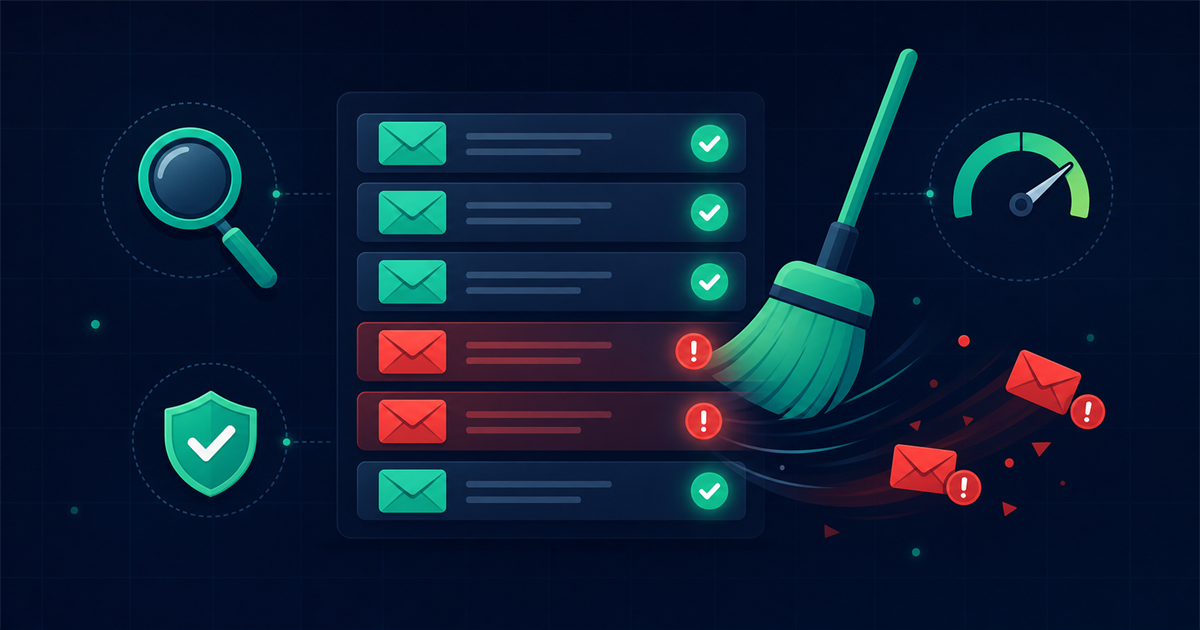
You detect role based addresses by checking the local part of each email against a list of known role prefixes, then you segment them so they are handled differently from personal addresses. This is a standard feature of quality verification, so you rarely have to build it yourself.
Detection
During verification, each address is compared against a database of role prefixes grouped into categories like support, sales, administrative, and system. When the part before the @ matches, the address is tagged as a role account. Running your list through an email verification service that flags role accounts gives you this label automatically alongside checks for validity, disposable domains, and catch-all status.
Segmentation
Once tagged, separate role accounts from your main list and decide a policy for them:
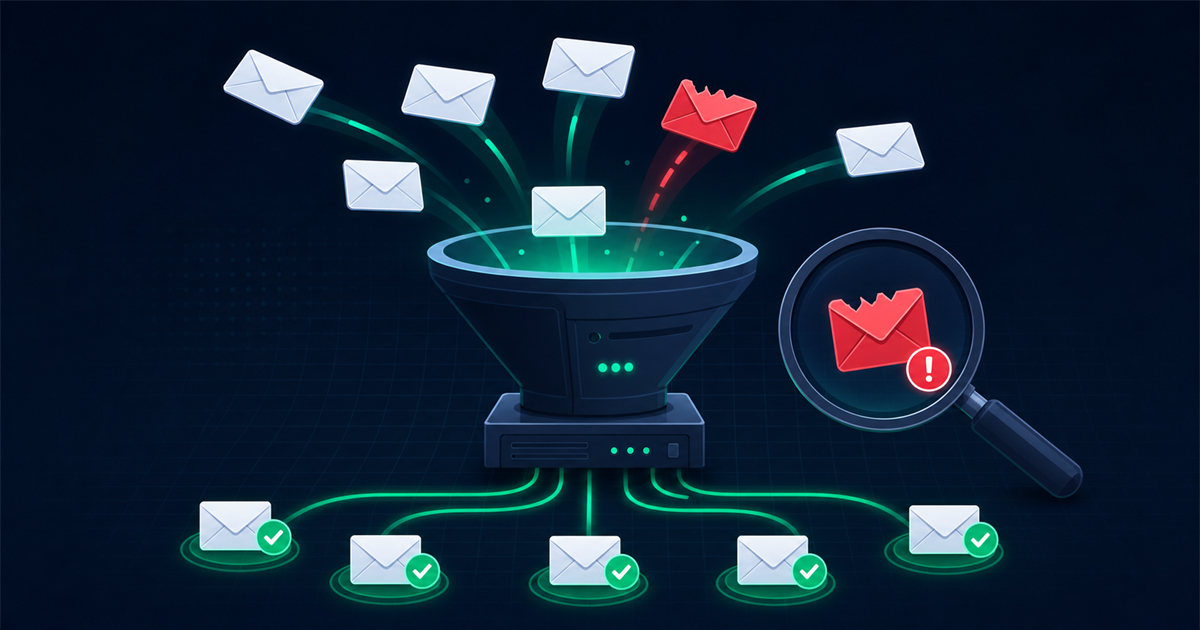
- Split them out. Move all role tagged addresses into their own segment so they never sit inside your core promotional sends.
- Match message to function. If you do contact them, tailor the message to what that inbox handles, and prefer B2B or transactional contexts.
- Suppress from cold campaigns. Exclude role accounts from broad, unsolicited newsletters to keep complaint rates down.
- Watch engagement. A role account that consistently opens and clicks is behaving like a real subscriber and can be treated with more confidence over time.
- Prune the non responders. Remove role addresses that only ever bounce or complain.
Frequently asked questions
Are role based emails invalid?
No. Role based addresses are usually perfectly valid and deliverable, they are just riskier to market to because they are shared and were not opted in by an individual. Verification flags them as role accounts, not as invalid, so the decision is about strategy rather than whether the mailbox exists.
Should I delete every role account from my list?
Not automatically. Segment them instead of deleting, then decide based on context. In B2B outreach or existing relationships, some role accounts are valuable, while in cold consumer marketing they are best suppressed. A blanket delete can throw away legitimate business contacts.
Do role accounts really increase spam complaints?
They can, because a shared inbox may be opened by several people, any of whom can mark an unsolicited message as spam. The risk is highest with cold, irrelevant mail and much lower when the message clearly fits what that address is meant to receive.
How can I tell if an address is a role account?
Check the text before the @ against common role prefixes like info, support, sales, admin, and billing. The most reliable way is to run your list through a verification tool that maintains a large database of role prefixes and tags each match for you.
Final thoughts
Role accounts are not the enemy, they are simply a different kind of contact that needs a different playbook. They belong to functions rather than people, which raises complaint and deliverability risk in cold marketing but makes them perfectly reasonable in relevant B2B and transactional contexts. Detect them during verification, segment them out of your broad campaigns, and reserve them for messages that genuinely fit. That balance protects your sender reputation while still letting you reach the right inbox when it counts.
Comments (0)
No comments yet. Be the first to share your thoughts!
Leave a Comment
Your email address will not be published. Required fields are marked *