
Overview
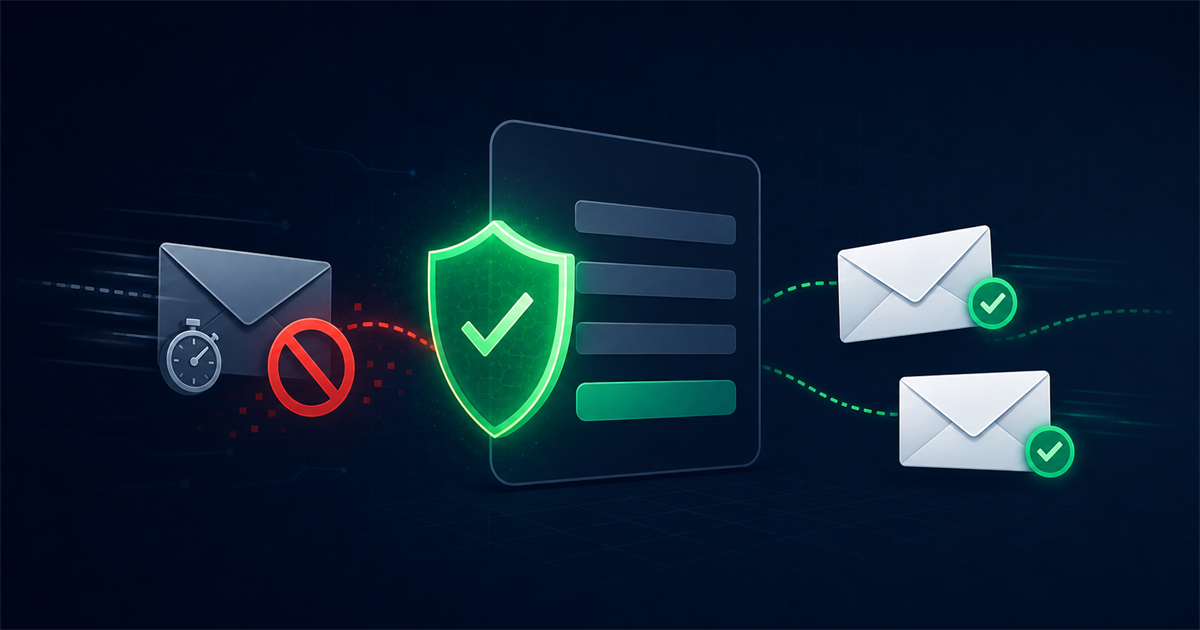
Disposable email addresses are temporary, throwaway inboxes that people use to get past a signup form without giving out their real address. This guide explains what they are, why people use them, the damage they do to your signups and deliverability, and the practical ways to spot and block them.
You will learn how domain list detection works, how to block disposables right at the signup form, and how real-time verification stops them before they ever pollute your database.
What is a disposable email address?
A disposable email address is a temporary inbox created to receive one or two messages and then abandoned or auto-deleted. Services such as Mailinator, Guerrilla Mail, and 10 Minute Mail hand out an address instantly, show any incoming mail on a public or short lived page, and then discard it, sometimes within minutes.
These addresses are also called temporary, throwaway, or burner emails. From your signup form they look like a normal address with an @ and a domain, but the domain belongs to a temporary mail provider and the mailbox has no long term owner.
Why do people use disposable email addresses?
People use disposable addresses mainly to avoid handing over their real inbox while still getting whatever a form is gating. It is usually about privacy or convenience, not malice, but the effect on your list is the same either way.
Common motivations include:
- Grabbing a lead magnet. Someone wants your ebook, coupon, or trial but does not want marketing emails afterward.
- Avoiding spam. Users protect their primary inbox from a site they do not fully trust yet.
- One time access. Verifying an account they never intend to use again.
- Abuse and fraud. Bots and bad actors create many throwaway accounts to exploit free trials, promotions, or referral bonuses.
How do disposable emails damage signups and deliverability?
Disposable emails damage you by inflating your list with addresses that will never engage and that quickly turn into bounces. Because the mailbox is abandoned, the person never opens your welcome series, never converts, and often cannot even be reached after the first few minutes.
The concrete harm shows up in several places:
- Wasted acquisition spend. If you pay for ads or a lead magnet, every disposable signup is money spent on a contact that vanishes.
- Rising bounce rates. Once the temporary address expires, your mail to it hard bounces, and high bounce rates erode your sender reputation with Gmail, Outlook, and Yahoo.
- Skewed metrics. Your open and conversion rates look worse than reality because dead disposable contacts drag the averages down.
- Free trial and promo abuse. Disposables let the same person claim your free offer over and over, distorting your funnel and costing real money.
- Weaker segmentation. Junk data makes it harder to trust any report or automation built on your list.
How do you detect disposable email addresses?
You detect disposable email addresses primarily by checking the domain against a maintained list of known temporary mail providers. The mailbox name does not matter, the giveaway is the domain, so detection focuses there.
The main techniques are:
Domain blocklists
The most reliable method compares the address domain against a database of known disposable providers. These lists cover hundreds of services and their many rotating domains. A good verification tool keeps this list current because disposable services spin up new domains constantly to evade blocking.
Pattern and MX signals
Beyond the core list, some checks look at supporting signals: domains with no meaningful web presence, mail servers shared by many known throwaway services, or domains registered very recently. These help catch newer disposables that a static list has not added yet.
Verification services
Rather than maintaining your own list, most teams rely on an email verification tool that flags disposable domains as part of a broader check that also covers syntax, DNS records, and mailbox existence. The service returns a clear disposable flag you can act on instantly.
How do you block disposable emails at the signup form?
You block disposable emails at the signup form by validating the address before the account is created, not after. Stopping them at the door keeps your database clean from the start and is far easier than cleaning up later.
A practical setup looks like this:
- Client side hint. Optionally maintain a small list of the most common disposable domains and warn the user immediately if they type one. This is fast but easy for bots to bypass, so it is only a first layer.
- Server side or API check. On submit, call a verification API that returns whether the domain is disposable. Reject or flag the signup based on the result. This is the layer that actually holds.
- Combine with a honeypot and timing check. Add a hidden field bots tend to fill and reject submissions completed suspiciously fast. This blocks the automated abuse that drives most disposable signups.
- Show a helpful message. If you block an address, tell the user politely that temporary email providers are not accepted and invite them to use a permanent address.
Why real-time verification is the strongest defense
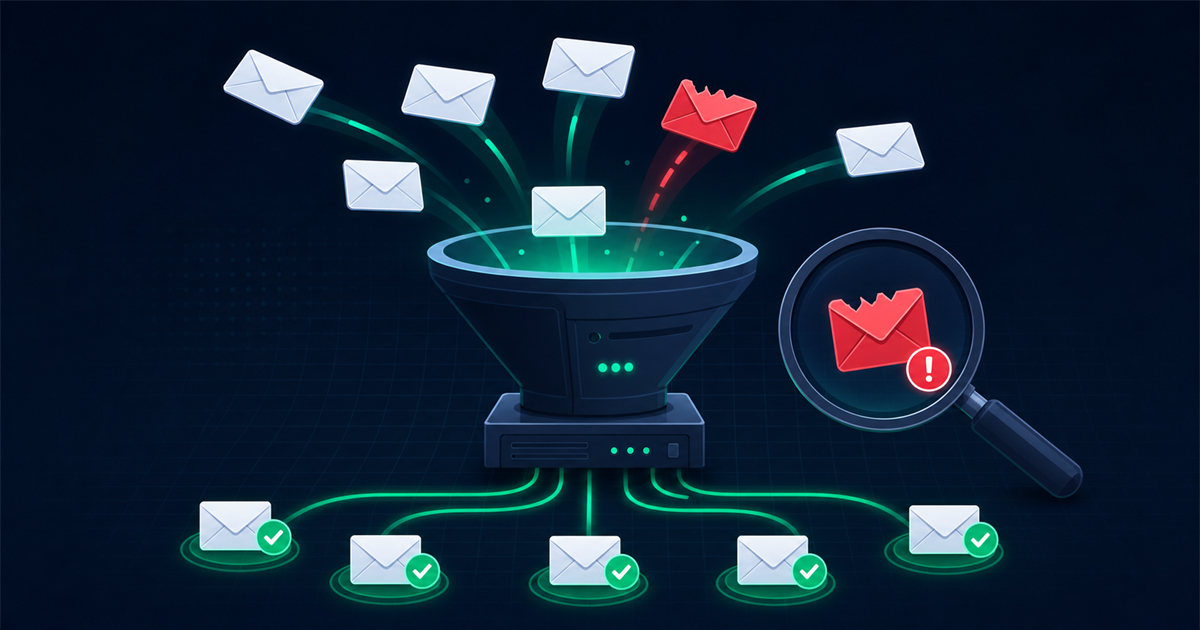
Real-time verification is the strongest defense because it evaluates each address at the exact moment of signup, before junk data ever enters your system. Instead of discovering disposables during a campaign when it is too late, you catch them instantly.
A real-time API call typically returns in a second or two and tells you whether the address is valid, disposable, a role account, or a catch-all, along with a confidence score. You then decide your policy: hard block disposables, allow but tag them, or require a different address. Because the check happens live, your list stays clean without any separate cleanup step, and your welcome automations only ever fire for real people.
Frequently asked questions
Should I block every disposable email address?
For most businesses, yes, block them on signup forms where you expect ongoing engagement, since disposables rarely convert. The exception is one time transactional flows where a lasting relationship is not the goal, in which case you might allow them but still tag them so they never enter marketing sequences.
Can I keep my own disposable domain list up to date?
You can, but it is a constant chore because temporary mail services launch new domains all the time. Maintaining a static list yourself means you will always lag behind, which is why most teams use a verification service that updates its disposable database continuously.
Do disposable emails always bounce?
Not immediately. Many disposable addresses accept mail for a short window, sometimes minutes and sometimes a day, then stop. That short life is exactly the problem, because the address may look deliverable at signup and turn into a hard bounce by the time you run a real campaign.
Will blocking disposables reduce my signup numbers?
Your raw signup count may dip slightly, but the signups you lose were never going to engage or buy. You trade a vanity number for a cleaner list, better deliverability, and more accurate reporting, which is a strong trade for any serious sender.
Final thoughts
Disposable email addresses look harmless on a signup form, but they quietly inflate your list, raise your bounce rate, and distort your metrics. The fix is to detect them by domain and block them at the point of entry with real-time verification, backed by simple bot protection like honeypots and timing checks. Stop disposables at the door and every downstream metric, from deliverability to conversion, gets more honest and more valuable.

Comments (0)
No comments yet. Be the first to share your thoughts!
Leave a Comment
Your email address will not be published. Required fields are marked *