
Overview
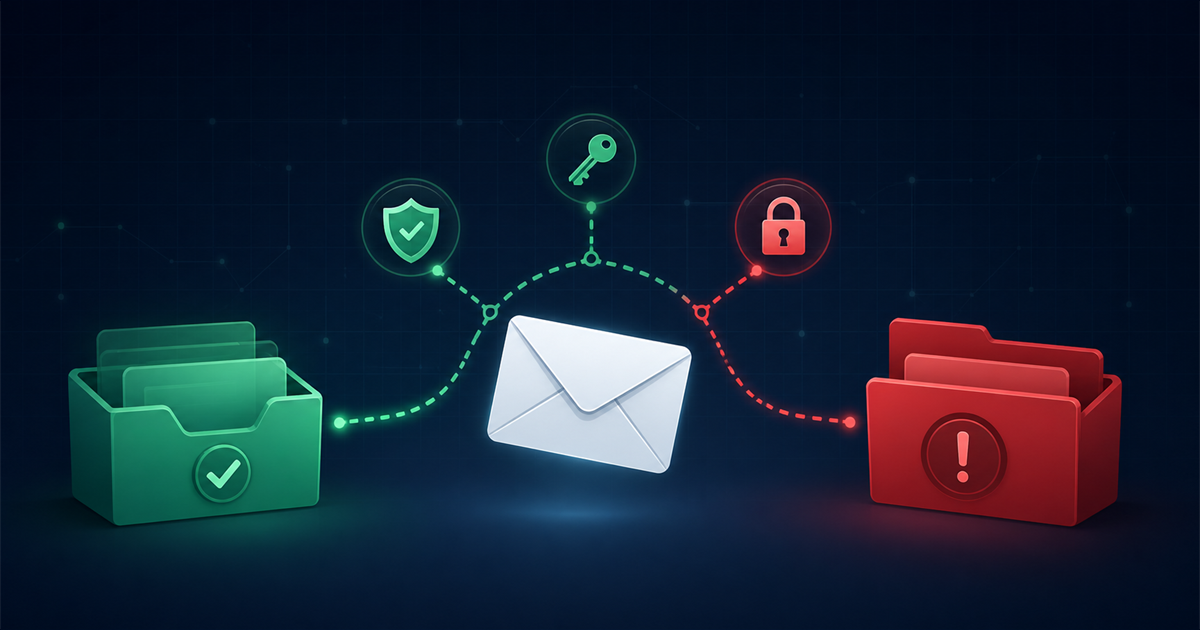
If your emails keep landing in the spam folder, it is almost never bad luck. Mailbox providers score every message on dozens of signals, and a few weak spots in your setup or sending habits are usually enough to push you out of the inbox.
This guide walks through the main reasons emails go to spam and gives you a concrete fix for each one. Work through them in order and you will steadily rebuild trust with providers like Gmail, Outlook, and Yahoo.
Why do my emails go to spam in the first place?
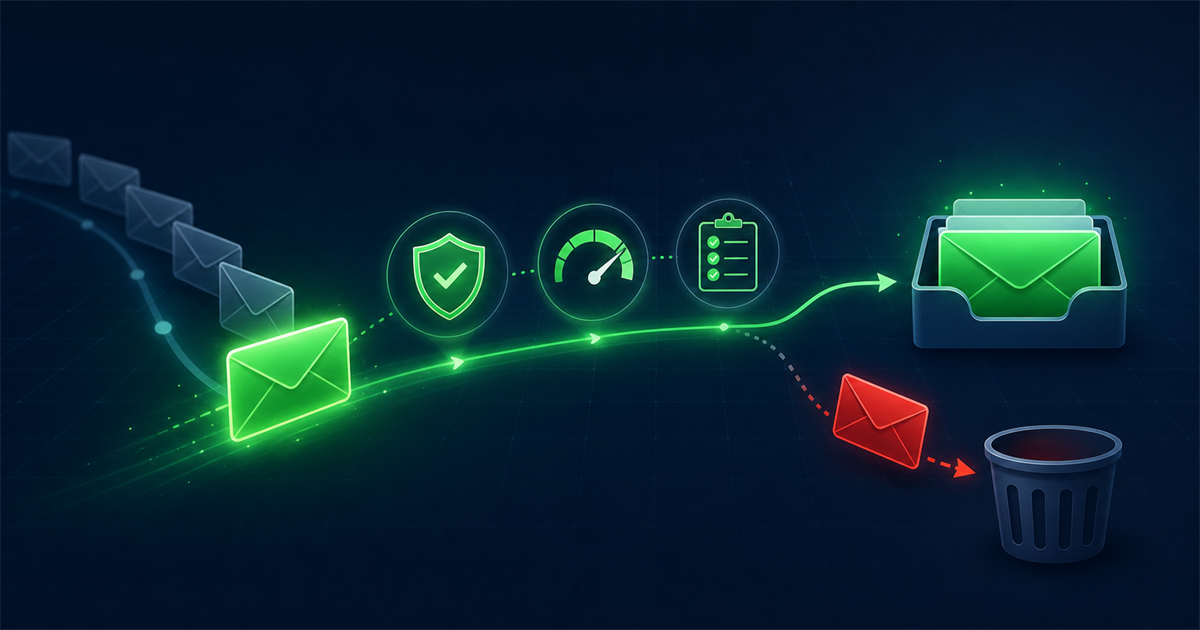
Your emails go to spam when mailbox providers decide the message looks risky, unwanted, or unverified. They make that call using authentication records, your sending history, the content of the message, and how real people react to your past emails. No single factor sends you to the junk folder on its own, but a stack of small problems adds up fast. The sections below cover the biggest culprits and how to resolve each.
Is your email authentication set up correctly?
Missing or broken authentication is the fastest way to the spam folder. Providers want proof that you are really allowed to send from your domain, and without it they treat your mail as suspicious.
The fix: publish all three core records in your DNS.
- SPF lists the servers allowed to send for your domain.
- DKIM adds a cryptographic signature that proves the message was not tampered with.
- DMARC tells providers what to do when a message fails SPF or DKIM and gives you reports on abuse.
Set DMARC to at least a monitoring policy first, review the reports, then tighten it. Once all three pass, you clear the single most common cause of spam placement.
How is your sender reputation?
A poor sender reputation quietly caps your inbox placement no matter how good your content is. Reputation is tied to both your domain and the IP address you send from, and it is built from your history of bounces, complaints, and engagement.
The fix: if you are on a new domain or IP, warm it up by starting with small volumes to your most engaged contacts and increasing gradually over a few weeks. Keep complaints low, remove dead addresses, and stay consistent in how often you send. Sudden spikes in volume look like exactly what spammers do.
Does your content look spammy?
Spammy content and subject lines trip content filters even when everything else is clean. Filters react to a mix of trigger words, formatting, and structure rather than any single phrase.
The fix: write like a human, not a billboard. Avoid all caps and walls of exclamation marks, skip phrases like "free money" and "act now," and balance your images with real text so the message is not one giant picture. Include a plain-text version, keep your link count reasonable, and make sure every link points to a reputable domain.
Do you have a clear unsubscribe option?
A hidden or missing unsubscribe link pushes frustrated readers to hit the spam button instead, and complaints hurt far more than opt-outs. Providers also expect an easy exit as a sign of a legitimate sender.
The fix: put a visible unsubscribe link in every marketing email and honor requests quickly. Adding a one-click list-unsubscribe header makes it effortless for readers and signals good behavior to mailbox providers. Losing a contact who wanted to leave is far better than collecting a complaint.
Are your bounce rates too high?
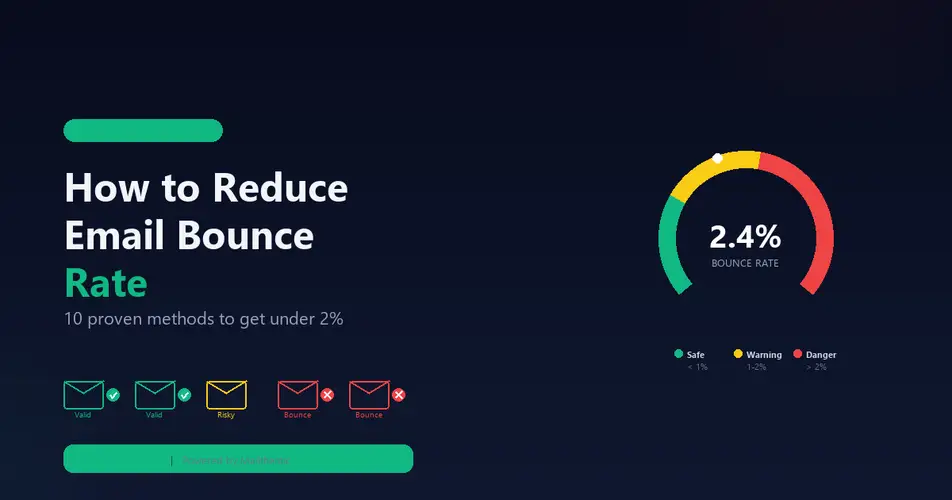
High bounce rates tell providers you are mailing a list you do not maintain, which is a classic spammer trait. Once your hard bounces climb past roughly two percent, your reputation starts to slip and more of your mail gets filtered.
The fix: clean your list before every major send. Running your contacts through an email verification tool flags invalid, risky, and non-existent mailboxes so you can remove them before they bounce. Verifying new addresses at signup keeps the problem from returning.
Are you hitting spam traps?
Spam traps are addresses that were never used to sign up, planted by providers and blocklist operators to catch senders with poor hygiene. Hitting even a few can get your domain flagged or blocklisted.
The fix: only mail people who opted in, use double opt-in on your forms, and never buy or scrape addresses. Regular verification also helps by catching recycled and clearly invalid addresses, which are the most common trap types, before you send to them.
Did you buy or rent your list?
Purchased and rented lists are one of the surest ways to end up in spam. The recipients never agreed to hear from you, the data is stale, and these lists are riddled with traps and complainers from the moment you import them.
The fix: build your list with your own opt-in forms, lead magnets, and signups. It is slower, but every contact actually wants your mail, which is exactly what mailbox providers reward. If you inherited a questionable list, verify it heavily and mail only the addresses that engage.
Are people actually engaging with your emails?
Low engagement is a modern spam signal all on its own. When few people open, click, or reply, providers conclude your mail is unwanted and start routing it to the junk folder for everyone.
The fix: segment your audience and send more to your active readers and less to your cold ones. Run a re-engagement campaign for quiet contacts and suppress those who never respond. Tighter targeting, useful content, and a consistent schedule all lift the engagement numbers that providers watch.
How long does it take to get out of the spam folder?
Recovering your inbox placement usually takes a few weeks of consistent, clean sending. Fix your authentication first, clean your list, then send steady, engaging campaigns to people who want them. Reputation is built on recent behavior, so the longer you keep bounces and complaints low, the more your placement improves. There is no instant reset, but disciplined senders climb back reliably.
Frequently asked questions
Why do my emails go to spam only for some recipients?
Placement is decided per provider and even per user, so the same message can reach one inbox and get filtered at another. Gmail, Outlook, and Yahoo each weigh signals differently, and an individual reader's past behavior with your mail matters too. If one provider filters you, focus on the authentication and engagement signals that provider cares about most.
Does using spammy words guarantee the spam folder?
No single word will send you to spam by itself. Filters look at the whole picture, so a trusted sender with clean authentication and good engagement can use a word like "free" without trouble. The risk comes when spammy language stacks on top of weak authentication and poor reputation, so clean up the fundamentals first.
Can email verification really improve deliverability?
Yes, because it directly lowers your bounce rate and helps you avoid spam traps, which are two of the strongest negative signals providers track. Removing invalid and risky addresses before you send protects your sender reputation and keeps more of your mail in the inbox. It is one of the highest-impact steps you can take.
Should I set up DMARC even for a small list?
Yes. DMARC protects your domain from being spoofed, gives you visibility into who is sending as you, and is increasingly required by major providers regardless of list size. Start with a monitoring policy, read the reports, and tighten it once you confirm your legitimate mail passes.
Comments (0)
No comments yet. Be the first to share your thoughts!
Leave a Comment
Your email address will not be published. Required fields are marked *