
Overview
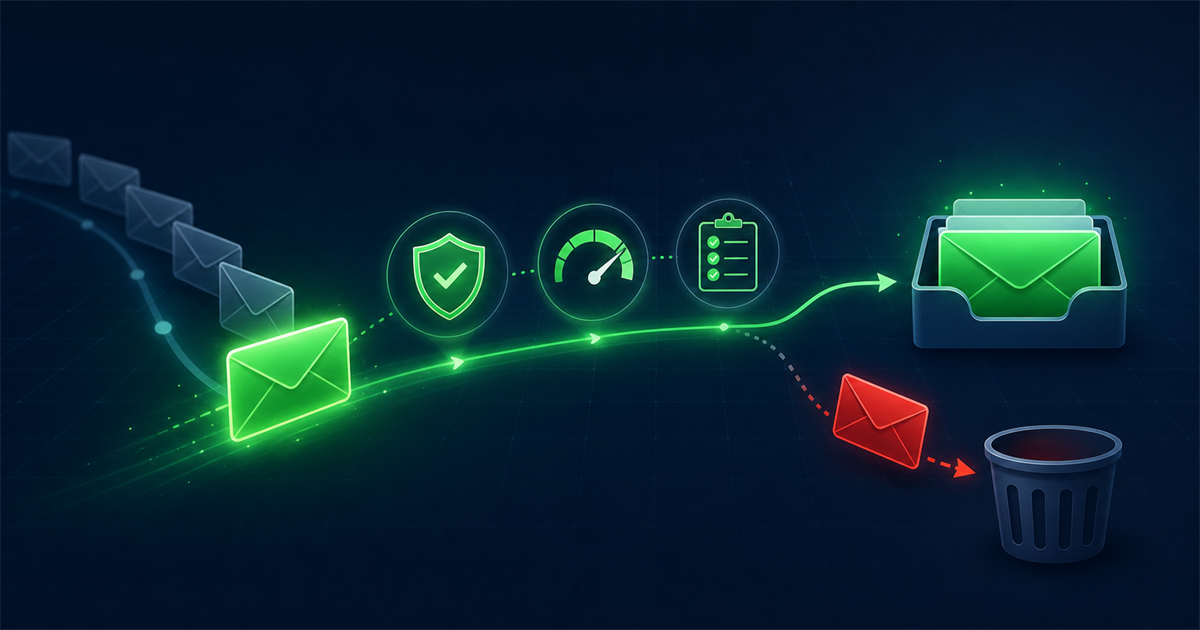
Email deliverability is the practice of getting your emails into the inbox rather than the spam folder or a silent block. It depends on far more than hitting send. Authentication, sender reputation, list quality, content, engagement, and your sending infrastructure all combine to decide where your message lands.
This beginner friendly guide explains the difference between delivery and deliverability, breaks down the six factors that matter most, and gives you a practical checklist you can work through to improve inbox placement. No jargon for its own sake, just the parts that actually move the needle.
What is the difference between delivery and deliverability?
Delivery means the receiving server accepted your email, while deliverability means it landed in the inbox where someone will see it. They sound similar but they measure very different things.
An email can be delivered and still fail at deliverability. If the receiving server accepts your message but routes it straight to the spam folder, your delivery rate looks fine while your real results are poor. That is why smart senders track inbox placement, not just acceptance. Delivery answers did it arrive, and deliverability answers did it arrive somewhere the recipient will actually look.
What factors affect email deliverability?
Six factors decide deliverability, and they work together rather than in isolation. Weakness in one can drag down the others. Here is each in order of impact.
1. Authentication
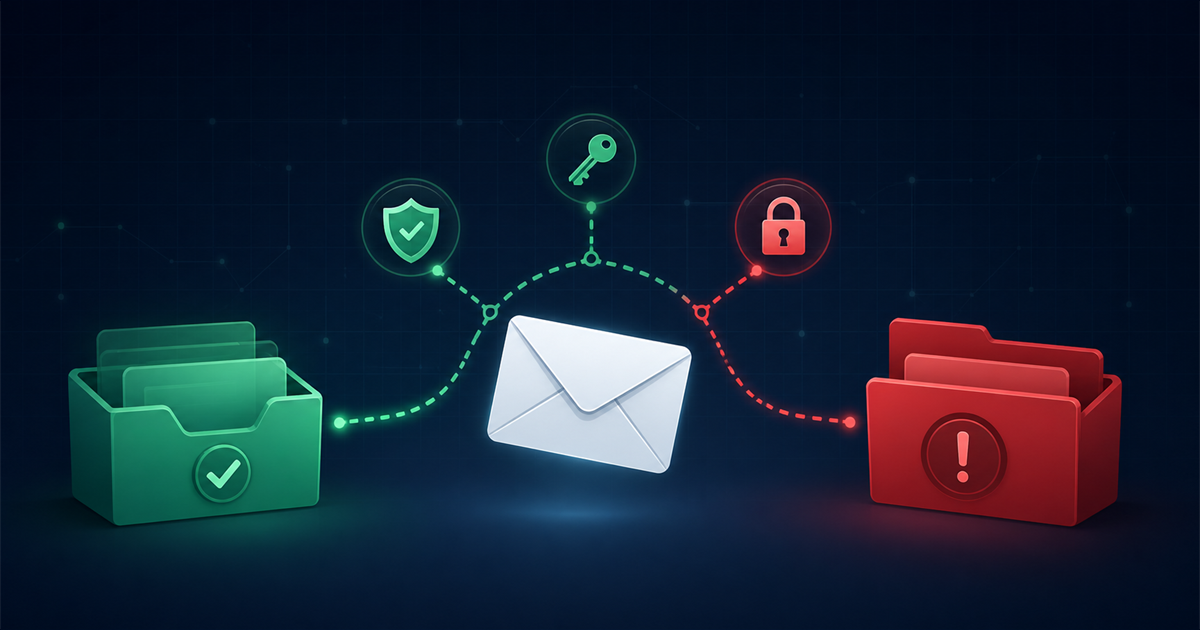
Authentication proves you are who you claim to be, using SPF, DKIM, and DMARC. Mailbox providers treat unauthenticated mail with suspicion, and major providers now expect bulk senders to have all three configured. This is the foundation, so set it up before anything else. SPF lists the servers allowed to send for your domain, DKIM adds a cryptographic signature, and DMARC tells receivers what to do when a check fails.
2. Sender reputation
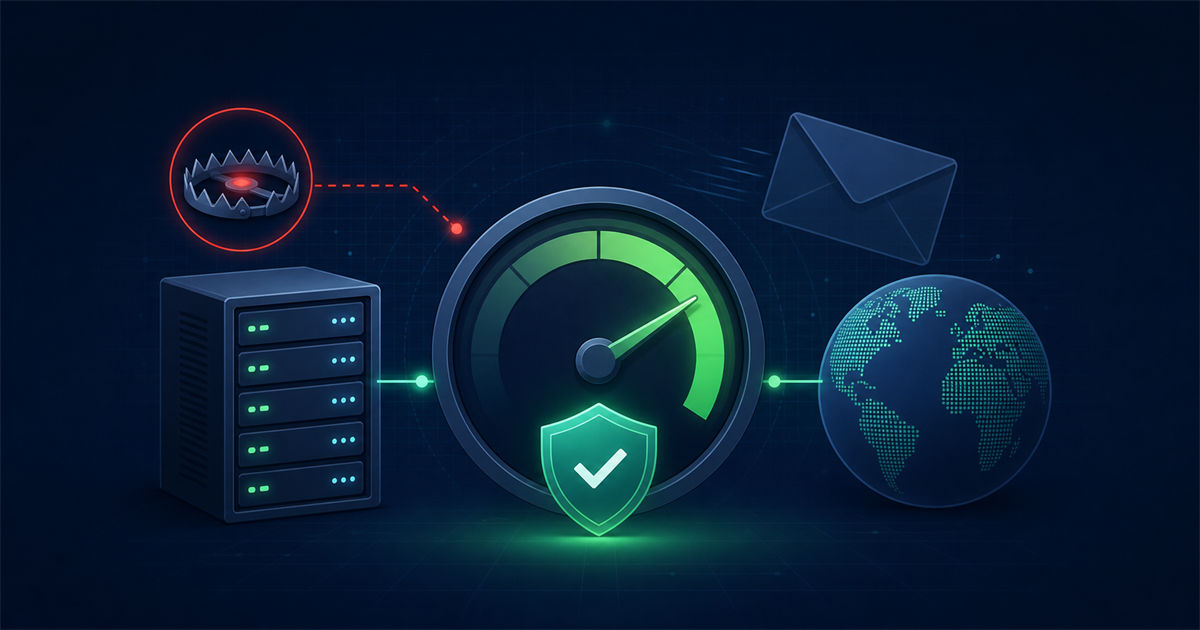
Sender reputation is a trust score that mailbox providers assign to your sending IP address and your domain. It is built from your history: how many people mark you as spam, how many messages bounce, and how consistently you send. A strong reputation gets you the benefit of the doubt, and a damaged one sends you to spam even with perfect content.
3. List quality
List quality is how clean and genuinely opted-in your recipient list is. Sending to invalid, mistyped, or purchased addresses drives up bounces and hits spam traps, both of which harm reputation fast. This is where verification pays off before a campaign. Cleaning invalid addresses ahead of a send with an email verification tool keeps bounce rates low and protects the reputation you have built.
4. Content
Content is the makeup of your message, and spam filters read it closely. Excessive capital letters, spam trigger words, a single giant image with no text, misleading subject lines, and broken links all raise your spam score. Clean, balanced, relevant content with a healthy text-to-image ratio keeps you in good standing.
5. Engagement
Engagement is how recipients interact with your mail, and it is now one of the strongest signals. Opens, replies, clicks, and moving your message out of spam tell providers you are wanted. Deletions without opening, ignored messages, and spam complaints tell them the opposite. Providers increasingly place mail based on how similar users engaged with you.
6. Infrastructure
Infrastructure is the technical setup you send from: dedicated versus shared IP addresses, proper reverse DNS, and a consistent sending domain. New IP addresses need to be warmed up gradually, and a poorly configured server undermines everything above it.
How do I improve my inbox placement?
You improve inbox placement by fixing the fundamentals in order and keeping your list healthy over time. Work through this practical checklist.
- Set up SPF, DKIM, and DMARC. Publish all three and confirm they pass. This is non-negotiable for modern deliverability.
- Verify your list before big sends. Remove invalid, disposable, and role-based addresses so bounces stay under 2 percent.
- Use double opt-in. Confirming new subscribers with a click keeps typos and fake sign-ups off your list from the start.
- Warm up new IPs and domains. Ramp volume gradually over two to four weeks so providers learn to trust you.
- Segment by engagement. Send more to active subscribers and less to dormant ones, and sunset addresses that have not engaged in six months.
- Keep content balanced. Use a real text-to-image ratio, avoid spam trigger words, and always include a plain, working unsubscribe link.
- Make unsubscribing easy. A visible one-click unsubscribe prevents frustrated readers from hitting the spam button, which hurts far more.
- Monitor your metrics. Track bounce rate, complaint rate, open rate, and any blocklist appearances so you catch problems early.
What is a healthy bounce and complaint rate?
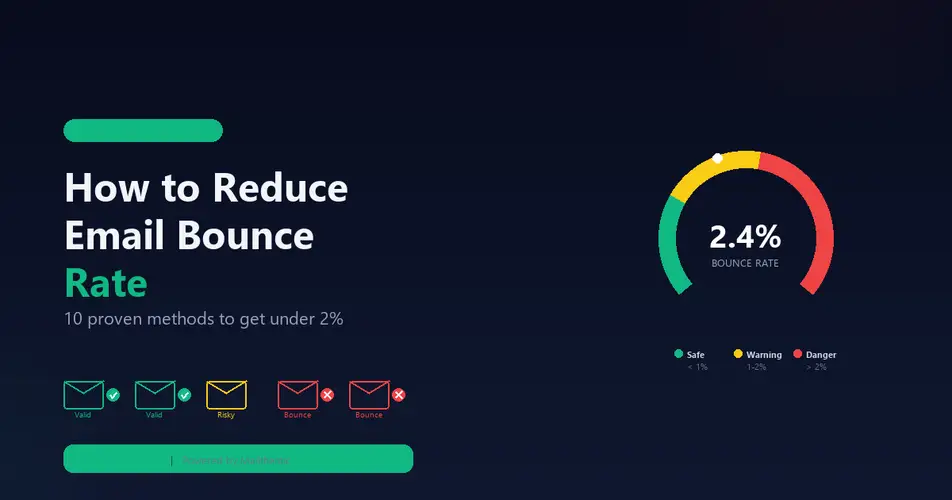
A healthy bounce rate is below 2 percent and a healthy spam complaint rate is below 0.1 percent, which is one complaint per thousand emails. Crossing these thresholds signals to mailbox providers that something is wrong.
Bounces above 2 percent usually mean your list has too many invalid addresses, which points back to verification and opt-in hygiene. Complaint rates above 0.1 percent suggest a mismatch between what people expected and what you sent, which points to segmentation, frequency, and consent. Keeping both metrics well under these limits is one of the clearest ways to protect long-term inbox placement.
How long does it take to improve deliverability?
Improving deliverability usually takes a few weeks to a couple of months, because reputation is built on sending history over time. There is no instant switch. If you clean your list and fix authentication today, you may see bounce rates drop immediately, but reputation recovery from spam complaints or a blocklisting is gradual.
Consistency is what rebuilds trust. Sending wanted mail to a clean list at a steady cadence, week after week, is what convinces mailbox providers to route you to the inbox again. Treat deliverability as ongoing maintenance rather than a one-time fix.
Does sending frequency affect deliverability?
Yes, both how often you send and how consistently you send affect deliverability. Consistency helps more than most beginners expect. Mailbox providers build their trust on patterns, so a sender that mails a steady volume on a regular schedule looks more legitimate than one that goes quiet for months and then blasts a huge campaign.
Frequency also shapes engagement, which feeds back into placement. Emailing too often leads to fatigue, more unsubscribes, and more spam complaints, while emailing too rarely lets subscribers forget who you are, so your next message looks unfamiliar and gets ignored. Find a cadence your audience expects, state it when people sign up, and hold to it. A predictable rhythm of two to four sends a month suits many small businesses better than sporadic bursts.
Frequently asked questions
Is deliverability the same as delivery rate?
No, delivery rate only measures whether the server accepted your email, while deliverability measures whether it reached the inbox. You can have a high delivery rate and still land in spam, so inbox placement is the number that really matters.
Do I need a dedicated IP address?
Not always, since a dedicated IP mainly helps high-volume senders who mail hundreds of thousands of messages regularly. Smaller senders often do better on a well-managed shared IP, because a dedicated IP with low volume never builds enough sending history to earn a strong reputation.
Does buying an email list ever work?
No, purchased lists reliably damage deliverability. They are full of invalid addresses and spam traps, the recipients never consented, and the resulting bounces and complaints can get your domain blocklisted. Grow your list through opt-in instead.
How often should I clean my email list?
Clean your list before every major campaign and run a full verification at least every three months. Regular cleaning removes addresses that have gone invalid since your last send and keeps your bounce rate in the safe zone.
Comments (0)
No comments yet. Be the first to share your thoughts!
Leave a Comment
Your email address will not be published. Required fields are marked *