
Overview
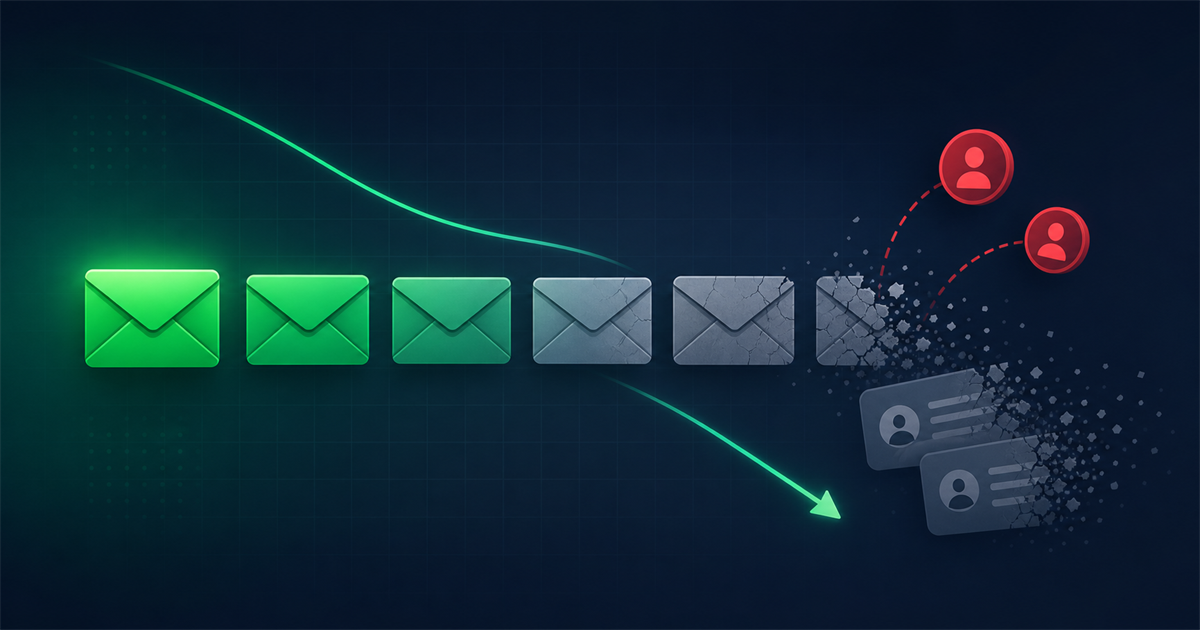
Email list decay is the slow, steady loss of usable contacts on your list as addresses go dead, people change jobs, and subscribers stop engaging. It happens to every sender, and most lists shed somewhere between a fifth and a third of their contacts every year even if you never make a single mistake.
The good news is that decay is predictable and manageable. Once you understand the causes, you can spot the warning signs early and put a simple routine in place to keep your list healthy, your deliverability strong, and your reporting honest.
What is email list decay?
Email list decay is the natural rate at which the addresses on your list become invalid or inactive over time. Some contacts turn into hard bounces because the mailbox no longer exists. Others quietly go silent, never opening or clicking again. Both types drag down your results, and both are a normal part of running an email program.
Think of your list as a leaky bucket. Every month a few contacts drip out through job changes, closed accounts, and lost interest. If you are not adding fresh, engaged subscribers and cleaning out the dead ones, the water level keeps falling even though the number on your dashboard looks the same.
How fast do email lists decay?
Most email lists lose roughly a fifth to a third of their contacts each year. That means a list of 10,000 addresses could have 2,000 to 3,000 dead or disengaged records inside it twelve months from now. The exact rate depends on your audience. Lists built from business addresses tend to decay faster because people switch employers, while consumer lists on long-lived personal accounts hold up a little better.
Decay is not evenly spread across the year either. A wave of layoffs, a school graduation season, or a big company reorganization can retire hundreds of work addresses at once. That is why a "set it and forget it" list almost never stays clean.
What causes email list decay?
Decay comes from a handful of everyday causes. Knowing which ones affect your list most helps you target your cleanup effort.
- Job changes. When someone leaves a company, their work address is usually deactivated within weeks. Business-to-business lists feel this the hardest.
- Abandoned inboxes. People create secondary or throwaway accounts and stop checking them. The address may still accept mail, but nobody reads it.
- Typos at signup. A single mistyped character turns "john@gmail.com" into a bounce or, worse, delivers to a stranger. Common slips include "gmial.com" and missing letters in the local part.
- Spam traps. Some dead addresses get recycled into spam traps by mailbox providers. Mailing them signals that you are not cleaning your list, which hurts your reputation.
- Unsubscribes and complaints. Every campaign loses a few people who opt out or mark you as spam. This is healthy, but it steadily reduces your reachable audience.
- Disengagement. Contacts who once opened everything can drift away as their interests change or their inbox gets busier.
What are the warning signs of a decaying list?
The clearest warning sign is a bounce rate that creeps upward campaign after campaign. If your hard bounces climb past two percent, dead addresses are piling up and it is time to clean. Watch for these signals together:
- Open and click rates sliding down even though your content has not changed.
- A growing gap between your total subscriber count and the number of people who engaged in the last 90 days.
- More spam complaints, which often come from people who forgot they subscribed.
- Deliverability warnings or throttling from your email platform.
If two or three of these are true at once, decay is already eating into your results.
How do you fix a decaying email list?
You cannot stop decay completely, but you can keep it under control with a repeatable routine. Here is a practical order of operations.
Verify your list on a regular schedule
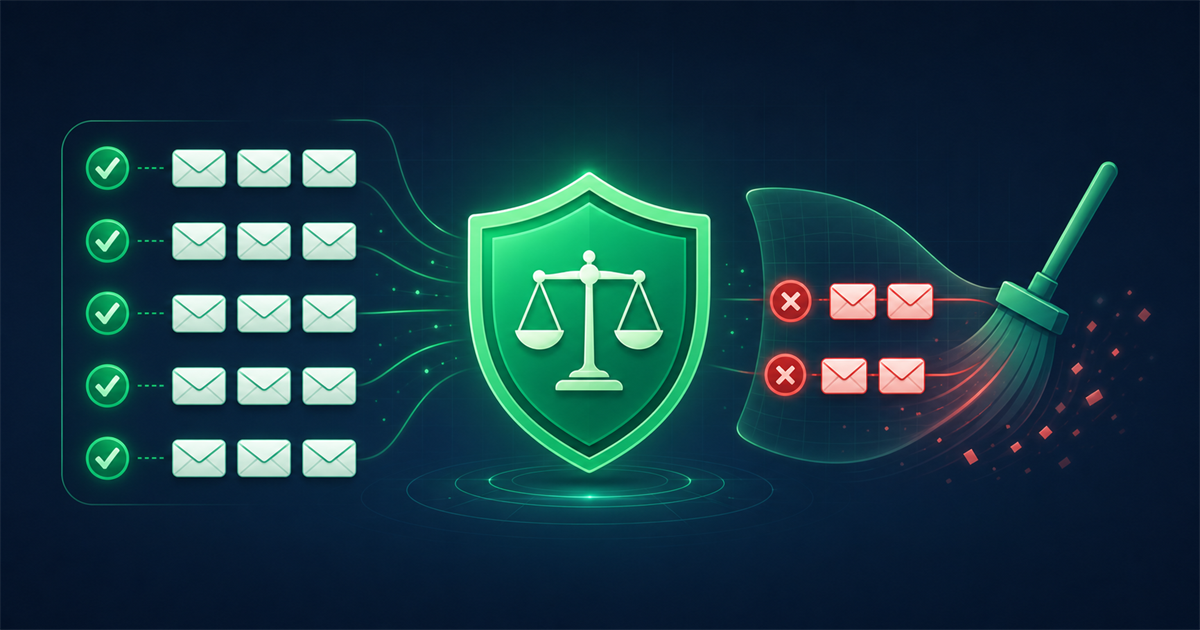
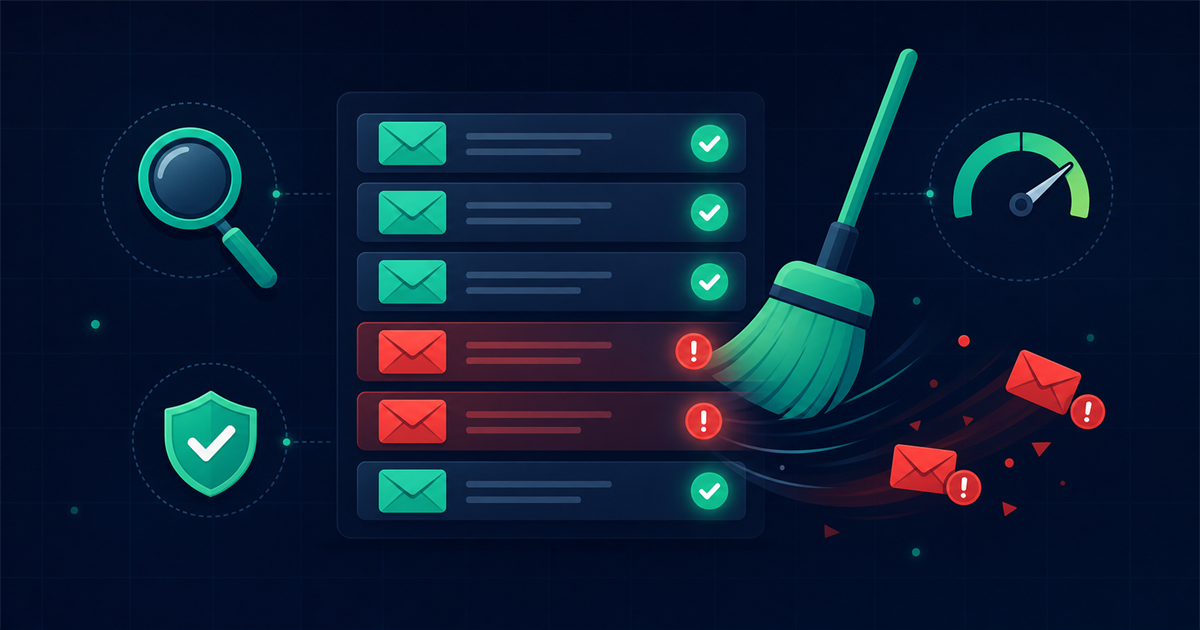
Run your full list through verification a few times a year, and always before a big send. Verification checks each address for valid syntax, a real mail domain, and a working mailbox, then flags the ones that will bounce so you can remove them first. Using an email verification tool such as Mailthentic lets you clean thousands of contacts in bulk and separate the safe addresses from the risky and unknown ones before you hit send.
Verifying at the point of signup is even better. When you validate an address as it enters your form, you catch typos and fake entries before they ever reach your list.
Run a re-engagement campaign
For contacts who are still valid but have gone quiet, send a short re-engagement series. A simple three-email sequence works well: remind them why they signed up, offer something useful, and ask plainly whether they want to keep hearing from you. People who click stay on your active list. People who ignore all three are ready for the next step.
Set a sunset policy
A sunset policy is a rule for retiring contacts who have not engaged in a set window, for example 180 days with no opens or clicks after a re-engagement attempt. Move those contacts to a suppressed segment so you stop mailing them. This protects your sender reputation, because mailbox providers reward senders who mostly reach people who actually want their mail.
Improve your capture forms
Prevention beats cleanup. Add a clear double opt-in so new subscribers confirm their address, use inline validation to catch obvious typos, and avoid buying or renting lists, which are full of stale and trap addresses from day one. A slightly smaller list of confirmed, interested people will outperform a bloated one every time.
How often should you clean your list?
Clean at least quarterly, and before any major campaign or product launch. High-volume senders, or anyone mailing business addresses, benefit from monthly checks. Pair each cleanup with a quick review of your engagement segments so you can start a re-engagement series before contacts go fully cold. This rhythm keeps decay from ever building into a crisis.
Frequently asked questions
Is some email list decay unavoidable?
Yes. Even a perfectly managed list loses contacts every year as people change jobs, close accounts, and lose interest. The goal is not zero decay, which is impossible, but a steady process of adding engaged subscribers and removing dead ones so your reachable audience stays healthy.
Will cleaning my list hurt my numbers?
Your total subscriber count will drop, but your real metrics will improve. Open rates, click rates, and deliverability all rise once you stop mailing dead and disengaged addresses, because your campaigns reach a higher share of genuinely interested people. Cleaner lists also cost less on platforms that charge by contact count.
What is the difference between a hard bounce and a soft bounce?
A hard bounce means the address is permanently invalid, usually because the mailbox no longer exists, and you should remove it right away. A soft bounce is a temporary problem such as a full inbox or a server that is briefly down, so it is worth retrying a few times before giving up on the contact.
Can I just buy a fresh list instead of cleaning mine?
No. Purchased lists are a shortcut that backfires. They are full of outdated addresses and spam traps, the recipients never agreed to hear from you, and mailing them can trigger complaints and blacklisting that damage your ability to reach even your genuine subscribers. Growing and maintaining your own list is slower but far safer.
Comments (0)
No comments yet. Be the first to share your thoughts!
Leave a Comment
Your email address will not be published. Required fields are marked *