
Overview
DKIM, short for DomainKeys Identified Mail, is a way for your mail server to add a cryptographic signature to every message you send. Receiving servers use that signature to confirm the email really came from your domain and was not changed in transit. It is one of the three core email authentication standards, alongside SPF and DMARC.
This guide explains what DKIM is in plain language, how the private key, public key, and selector fit together, how to set it up on common providers, and how to confirm it is actually working. By the end you will be able to add DKIM to your domain and check it with confidence.
What is DKIM in simple terms?
DKIM is a digital signature for your email. When your mail server sends a message, it uses a private key to create a unique signature based on the message content and specific headers. That signature travels with the email inside a hidden header called DKIM-Signature.
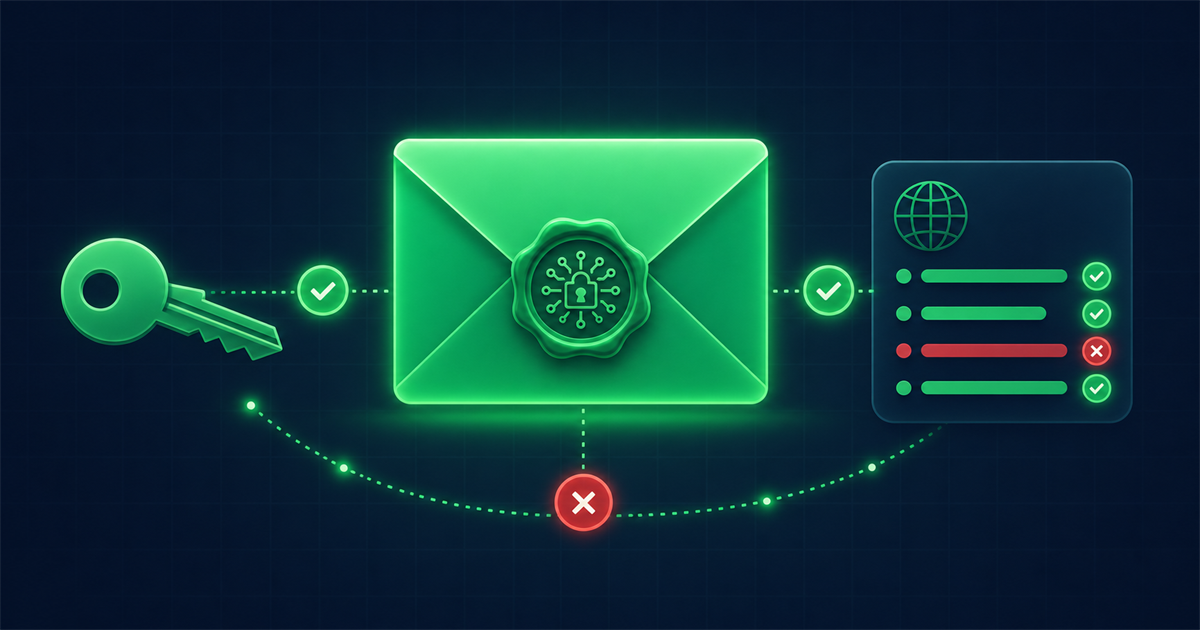
The receiving server then looks up your matching public key, which you publish in your DNS, and uses it to verify the signature. If the math checks out, the server knows two things: the message was authorized by your domain, and the signed parts were not tampered with after sending. Think of it like a wax seal on a letter. Anyone can see the seal, but only you can produce a valid one.
How does DKIM actually work?
DKIM works through public key cryptography, which uses a matched pair of keys. Here is the flow in order:
- Key pair generation. Your email provider creates two linked keys. The private key stays secret on the sending server. The public key is meant to be shared.
- Signing. When you send an email, the server hashes selected headers (like From, Subject, Date) and often the body, then encrypts that hash with the private key. The result becomes the DKIM-Signature header.
- Publishing the public key. You add the public key to your DNS as a TXT record so the whole internet can read it.
- Verification. The receiving server reads the signature, finds the location of your public key using the selector, fetches that key, and confirms the signature is valid.
If a spammer forges your From address but cannot sign with your private key, the signature will fail or be missing, which is a strong signal to filter the message.
What is a DKIM selector?
A selector is a short label that tells receiving servers exactly where to find the correct public key in your DNS. Because a single domain can use several DKIM keys at once, for example one for your marketing platform and one for your transactional email, the selector removes the guesswork.
The public key lives at a predictable DNS location built from the selector and a fixed piece of text:
selector._domainkey.yourdomain.com
So if your selector is google and your domain is example.com, the record sits at google._domainkey.example.com. The receiving server reads the selector straight from the DKIM-Signature header, so it always knows which key to request.
How do I set up DKIM across common providers?
To set up DKIM you generate a key with your email provider, then publish the public key as a DNS TXT record. The provider usually gives you the exact record to copy. Here is how it looks on the platforms most small businesses use.
Google Workspace
Open the Google Admin console, go to Apps, then Google Workspace, then Gmail, then Authenticate email. Choose your domain, generate a new record at 2048-bit, and copy the value. Add it to your DNS as a TXT record with the host google._domainkey. Wait for DNS to update, then return to the console and click Start authentication.
Microsoft 365
Microsoft 365 uses two CNAME records instead of a single TXT record, with selectors named selector1 and selector2. In the Microsoft Defender portal, open Email and collaboration, then Policies, then DKIM. Select your domain, copy the two CNAME values, add them to your DNS, then toggle DKIM signing to Enabled.
Email service providers like Mailchimp, Brevo, or SendGrid
Most marketing and transactional platforms generate the DKIM record for you during domain authentication. Look for a section called Domain Authentication, Verified Domains, or Sender Authentication. Copy the CNAME or TXT records they provide and paste them into your DNS host, then click Verify.
Whichever provider you use, the general recipe is the same:
- Generate a key of at least 2048 bits where the option exists.
- Copy the exact record, including the selector.
- Add it to DNS at your domain registrar or DNS host.
- Return to the provider and confirm or enable signing.
How do I check if DKIM is working?
You confirm DKIM is working by inspecting a message you sent and by testing the DNS record directly. There are three quick methods.
Check a received email. Send yourself a message and open the original or full headers. In Gmail, use the three-dot menu and Show original. Look for a line that reads dkim=pass. That single word confirms the signature verified successfully.
Query the DNS record. You can look up the record at selector._domainkey.yourdomain.com using an online DNS lookup or a command line dig query. If the TXT record returns a value starting with v=DKIM1, the public key is published correctly.
Run a full domain scan. Rather than checking each record by hand, you can run a free domain health check that inspects your DKIM, SPF, and DMARC records together and flags anything misconfigured. This is the fastest way to see the whole authentication picture at once.
What are the most common DKIM problems?
The most common DKIM problems come from small DNS mistakes rather than the cryptography itself. Watch for these:
- Wrong selector or host name. If the record is published under the wrong host, receivers cannot find the key. Match the selector your provider gave you exactly.
- Split or truncated key. Long 2048-bit keys sometimes get cut off when pasted. Make sure the full public key made it into the record with no missing characters.
- Extra quotes or spaces. Some DNS hosts add quotation marks or line breaks. Remove stray characters so the value reads cleanly.
- DNS not propagated yet. Changes can take from a few minutes to 48 hours. If verification fails right away, wait and test again.
- Body altered in transit. Some mailing lists or forwarders change the message, which breaks the body hash. This is expected and is one reason DMARC also considers SPF.
Frequently asked questions
Is DKIM enough on its own?
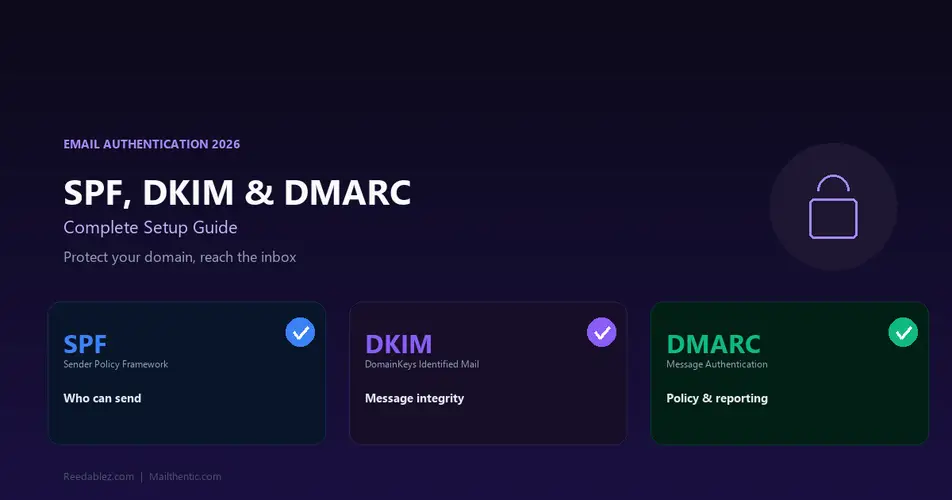
No, DKIM works best alongside SPF and DMARC. DKIM proves the message was signed and unchanged, SPF confirms the sending server is authorized, and DMARC tells receivers what to do when a check fails. Together they form a complete authentication policy.
How long is a DKIM key and should I rotate it?
Aim for a 2048-bit key, which is the current recommended strength. Rotating your key once or twice a year is good practice for security, and providers that manage DKIM for you often handle rotation automatically.
Will DKIM stop all spoofing of my domain?
DKIM alone does not stop spoofing, but paired with a DMARC reject policy it does. DKIM gives receivers the proof they need, and DMARC gives them the instruction to reject unsigned or unaligned mail claiming to be from you.
Do I need a different DKIM record for each sending service?
Yes, each service that sends on your behalf usually needs its own DKIM record with its own selector. That is exactly why selectors exist, so multiple keys can coexist on one domain without conflict.


Comments (0)
No comments yet. Be the first to share your thoughts!
Leave a Comment
Your email address will not be published. Required fields are marked *