
Overview
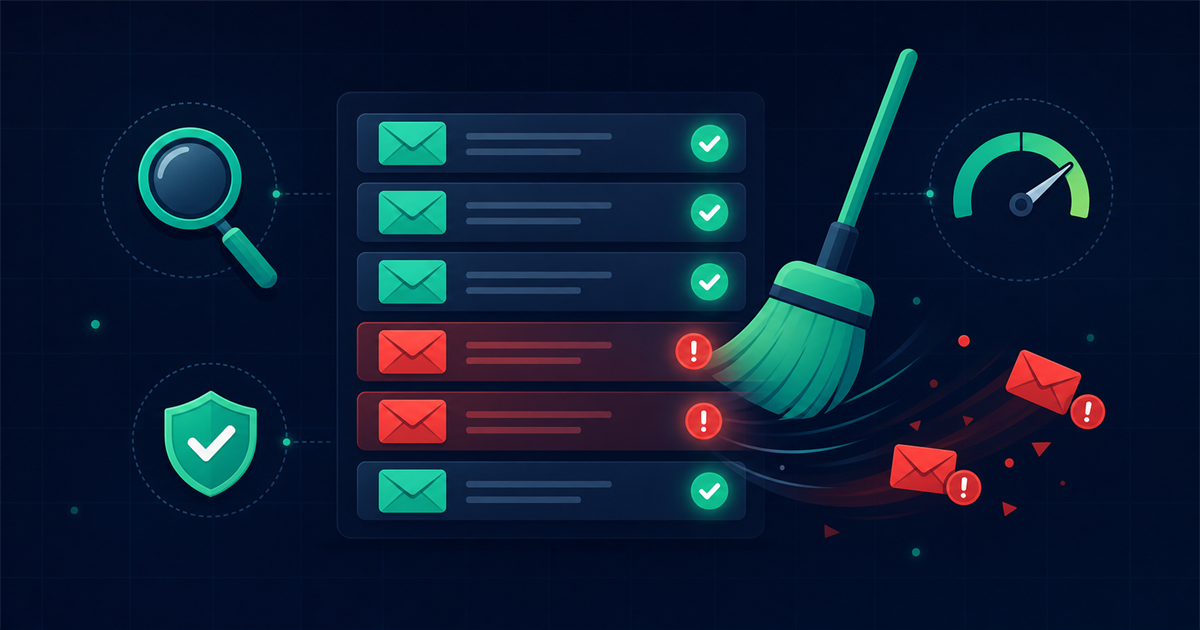
Cleaning your email list means removing invalid, risky, and unengaged addresses so your campaigns reach real people who want to hear from you. This guide walks through why lists go stale, what a dirty list actually costs you, and a repeatable step by step process you can run in an afternoon.
By the end you will know how to export your data, remove duplicates and junk addresses, verify the rest in bulk, segment inactive contacts, and set a sunset policy so your list stays healthy going forward.
Why do email lists go stale over time?
Email lists go stale because contact data decays as people change jobs, abandon old inboxes, and switch providers. Industry estimates put natural list decay somewhere around 20 to 30 percent per year, which means a list you cleaned twelve months ago may already have thousands of dead addresses today.
Several forces work against you at once:
- Job changes. A B2B contact who leaves their company takes their work address with them, and that mailbox often bounces within weeks.
- Abandoned inboxes. Many people keep a throwaway address for signups and simply stop checking it.
- Typos and fake entries. Manual signups produce misspellings like "gmial.com" and bots leave junk behind.
- Disposable addresses. Temporary email services expire, turning a once valid address into a hard bounce.
What does a dirty email list actually cost you?
A dirty list costs you deliverability, money, and accurate reporting long before you ever notice a problem. The damage compounds because mailbox providers like Gmail, Outlook, and Yahoo watch how recipients react to your mail.
Here is where the cost shows up:
- Sender reputation. A high bounce rate signals to inbox providers that you send to unverified lists, which is a classic spammer pattern. Once your reputation drops, even valid subscribers start seeing you in spam.
- Wasted spend. Most email platforms bill by list size or send volume. If 8 percent of a 50,000 contact list is invalid, you pay to store and mail 4,000 addresses that will never convert.
- Skewed analytics. Open rate, click rate, and conversion rate are all measured against emails sent. Dead addresses drag those numbers down and hide what your real audience is doing.
- Platform penalties. Providers like Mailchimp and SendGrid throttle or suspend accounts that consistently bounce above their thresholds, which are usually in the 2 to 5 percent range.
Step by step: how to clean your email list
Follow these steps in order. The whole process takes an hour or two for most lists, and the payoff is immediate.
Step 1: Export your full list
Start by exporting every contact from your email platform or CRM into a CSV file. Include the email address plus useful metadata like signup date, last open, last click, and source. That context helps you make smarter decisions later when you segment.
Step 2: Remove duplicates
Deduplicate before you do anything else so you are not verifying the same address twice. Sort by email address and strip exact duplicates. Watch for near duplicates too, such as the same mailbox with different capitalization, since "Sam@Domain.com" and "sam@domain.com" are the same inbox.
Step 3: Strip obvious junk, role, and disposable addresses
Remove addresses that will never perform well:
- Malformed entries that are missing an @ sign or a valid domain.
- Disposable domains from temporary mail services, which signal zero long term intent.
- Role based addresses like info@, sales@, and admin@, which are shared inboxes with higher complaint rates. Segment these rather than mailing them the same way you mail individuals.
Step 4: Verify the remaining addresses in bulk
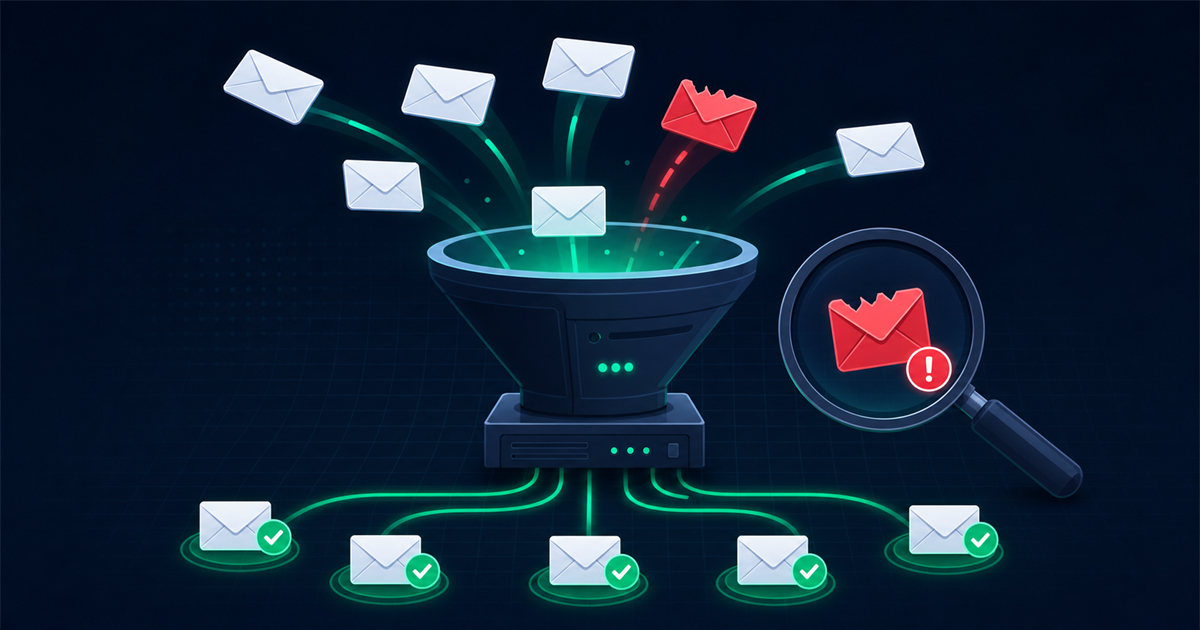
This is the highest impact step. Upload your cleaned file to a verification service that checks each address across multiple layers: syntax, DNS and MX records, SMTP mailbox confirmation, catch-all detection, and disposable flags. Running your file through a bulk email verifier sorts thousands of addresses in minutes into clear buckets so you know exactly which ones are safe to send.
Most tools return tiers such as valid, risky, and invalid, often with a confidence score. Delete the invalid group, keep the valid group, and set the risky group aside for cautious treatment.
Step 5: Segment inactive subscribers
Not every problem address is invalid. Some are real people who have gone quiet. Build a segment of contacts who have not opened or clicked in the last 90 to 180 days. Keeping them mixed into your main sends drags down engagement metrics and reputation, so isolate them for a targeted approach.
Step 6: Run a re-engagement campaign
Send your inactive segment a short win-back series before you give up on them. A typical sequence is two or three emails over two weeks with a clear subject line like "Do you still want to hear from us?" Offer a reason to stay, such as a useful resource or a discount, and make it easy to update preferences.
Step 7: Apply a sunset policy
A sunset policy automatically removes or suppresses contacts who stay inactive past a set point. For example, if someone has not opened anything in 180 days and ignored your re-engagement series, move them to a suppressed list. This protects your reputation while keeping a record so you never accidentally re-import them.
Step 8: Reimport your clean list and prevent future decay
Upload the verified, segmented list back into your platform. Then build prevention into your workflow so the list stays clean:
- Add double opt-in so new subscribers confirm their address.
- Verify addresses in real time at the signup form to block typos and disposables before they enter.
- Suppress hard bounces automatically after every send.
How often should you clean your email list?
Clean your email list at least once every quarter, and more often if you send frequently or collect a lot of new signups. A quarterly cadence keeps pace with the typical 20 to 30 percent annual decay rate without letting problems pile up.
Use these signals to decide when to clean sooner:
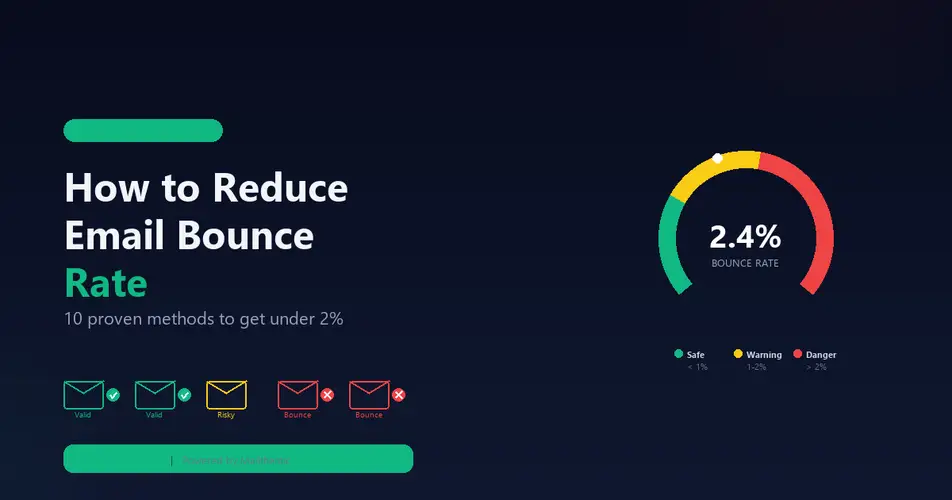
- Bounce rate creeping above 2 percent on recent campaigns.
- A sudden dip in open rates with no other explanation.
- Before any large campaign to a segment you have not mailed in a while.
- Right after importing a list from an event, a partner, or an older database.
A quick list cleaning checklist
- Export your full list with engagement metadata.
- Remove exact and near duplicate addresses.
- Strip malformed, disposable, and role based addresses.
- Verify the remainder in bulk and delete invalids.
- Segment contacts inactive for 90 to 180 days.
- Run a short re-engagement series.
- Suppress anyone who stays inactive under a sunset policy.
- Reimport the clean list and turn on real-time verification at signup.
Frequently asked questions
Does cleaning my list mean I will lose subscribers?
Yes, your subscriber count will drop, but the contacts you remove were already invalid or unengaged and were not converting. A smaller, active list produces higher open rates, better inbox placement, and more revenue per send than a bloated list full of dead addresses.
Is it safe to delete addresses that bounce once?
Delete hard bounces immediately, since those are permanent failures like nonexistent mailboxes. Soft bounces are temporary, so give them a few chances first. If the same address soft bounces three or more times across different campaigns, treat it as a hard bounce and remove it.
Can I just buy a fresh list instead of cleaning mine?
No. Purchased lists are the fastest way to wreck your sender reputation because the recipients never opted in, which drives spam complaints and bounces. Cleaning and growing your own opt-in list is slower but keeps you deliverable and compliant.
How long does bulk verification take?
Most bulk verification tools process thousands of addresses in a few minutes, though very large lists or slow mail servers can extend that to an hour or more. You upload a CSV, wait for the job to finish, and download the segmented results ready to reimport.
Final thoughts
A clean email list is the foundation of every metric you care about, from deliverability to revenue. Run the eight step process above, set a quarterly cadence, and build verification into your signup flow so junk never gets in. Your open rates, your budget, and your sender reputation will all improve the moment you stop mailing addresses that were never going to answer.
Comments (0)
No comments yet. Be the first to share your thoughts!
Leave a Comment
Your email address will not be published. Required fields are marked *