

Overview
You can check whether an email address is real without ever sending a message to it. Verification tools inspect an address in layers, from its basic format all the way to a quiet conversation with the receiving mail server, and each layer rules out a different kind of bad address.
This guide walks through those layers in order: syntax, domain and MX records, the SMTP handshake that tests a mailbox without delivering mail, the limits of catch-all domains, and disposable and role account checks. It also explains what you can know for certain, what you cannot, and when to use a free single check versus a bulk tool.
Can you verify an email without sending one?
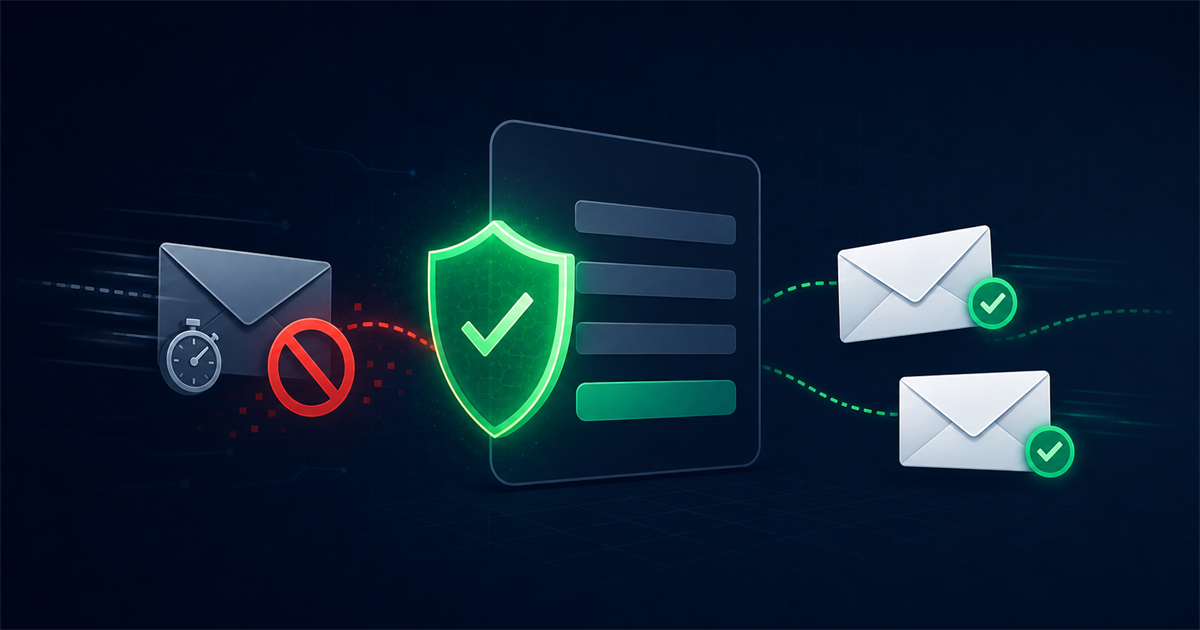
Yes, you can verify an email without sending a message, and this is exactly how professional verification works. Instead of delivering an email and waiting for a bounce, a verifier opens a connection to the recipient's mail server and asks whether the mailbox exists, then closes the connection before any message is actually sent.
This matters because sending real emails to test addresses is exactly what damages your sender reputation. Every bounce from a bad address counts against you. Verifying first, without sending, lets you clean your list quietly and safely before a single campaign goes out.
What are the layers of an email check?
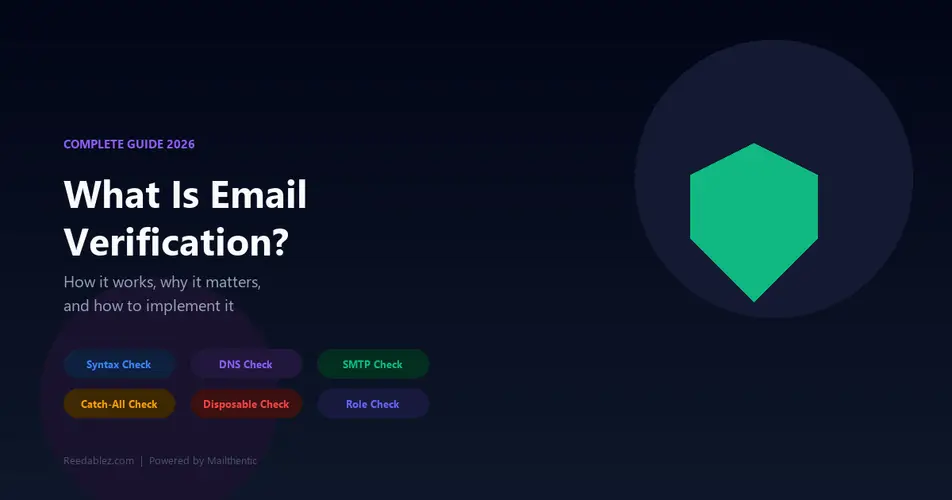
An email check works in layers, each one catching a different kind of invalid or risky address. A good verifier runs them in sequence and stops early when an address clearly fails.
1. Syntax check
The syntax check confirms the address is formatted correctly according to email standards. It catches obvious problems like a missing @ symbol, spaces, illegal characters, or a missing domain. This is instant and requires no network lookup, so it filters out typos such as "john@" or "jane.doe.gmail.com" before any deeper work.
2. Domain and MX record check
The domain check confirms the domain exists and is set up to receive email. The verifier looks up the domain's MX records, which are the DNS entries that point to its mail servers. If a domain has no MX records, it cannot accept email, so the address is invalid no matter how well it is spelled. This step also catches misspelled domains like "gmial.com" that do not resolve.
3. SMTP handshake
The SMTP handshake is where the verifier connects to the mail server and asks about the mailbox without sending anything. It opens a connection on the standard mail port, introduces itself, and issues the commands a real sender would use to name a recipient. The server's response reveals whether the mailbox exists, all before any actual message body is transmitted. The connection is then closed, so nothing lands in the inbox.
4. Catch-all detection
Catch-all detection identifies domains that accept mail to every possible address. Some servers are configured to say yes to any recipient, so the handshake cannot confirm a specific mailbox. A verifier tests this by probing a random address that almost certainly does not exist, and if the server accepts it too, the domain is flagged as catch-all.
5. Disposable and role account checks
These checks flag addresses that are technically valid but risky to send to. Disposable addresses come from throwaway services that expire quickly, and role accounts are shared inboxes like info@, sales@, or support@ that are not tied to one person. Both are valid but tend to hurt engagement and increase complaints, so verifiers label them for you to decide.
What is a catch-all domain and why does it matter?
A catch-all domain is one whose mail server accepts messages sent to any address at that domain, whether the mailbox exists or not. It matters because it is the main limit of email verification. On a catch-all domain, the SMTP handshake says yes to everything, so a verifier cannot confirm that a specific mailbox is genuinely in use.
Good verification tools handle this honestly by marking catch-all results as "accept-all" or "risky" rather than pretending they are confirmed. Many corporate domains use catch-all setups, so you will see this often. The practical approach is to treat catch-all addresses with caution, send to them carefully, and watch engagement, since you cannot be fully certain in advance.
What can and cannot you know for certain?
You can know for certain when an address is definitely invalid, but you cannot always confirm with total certainty that a valid-looking address is active. The layers give you a confident answer at the extremes and a probability in the middle.
Here is what verification reliably tells you:
- Definitely invalid. Bad syntax, a nonexistent domain, no MX records, or a hard rejection at the mailbox level. These you can trust and remove.
- Very likely valid. Correct syntax, valid MX, and a mailbox the server accepts on a non catch-all domain. This is as close to confirmed as verification gets without sending.
- Uncertain. Catch-all domains, temporary server errors, and greylisting, where a server delays new senders. These need a probability score rather than a yes or no.
No verifier can read a person's mind or see inside a mailbox, so an address that passes every check can still belong to someone who abandoned it. Verification dramatically reduces risk, but it manages uncertainty rather than eliminating it entirely.
Should I use a free checker or a bulk tool?
Use a free single checker for one-off lookups and a bulk tool when you need to clean an entire list. They serve different jobs. A free checker is perfect when you want to test one address before adding it to your CRM or replying to a lead. You can run a quick lookup with a free email checker and get a result in seconds without any setup.
A bulk tool is the right choice when you have hundreds or thousands of addresses, because it processes them in parallel, respects rate limits so you do not get blocked, retries greylisted servers, and gives you a downloadable report with a status for each address. If you are about to run a campaign, bulk verification is the safer path, since it protects your bounce rate and sender reputation across the whole list at once.
Frequently asked questions
Does checking an email send anything to the person?
No, proper verification never sends a message to the person. It connects to their mail server and asks whether the mailbox exists using the early steps of the SMTP conversation, then disconnects before any email body is transmitted. Nothing arrives in their inbox.
Why do some valid emails come back as risky?
Some valid emails come back as risky because their domain is catch-all, meaning the server accepts every address and cannot confirm a specific one. Others are flagged as disposable or role-based. These addresses may work, but they carry higher risk, so a good tool labels them honestly instead of guessing.
Is email verification 100 percent accurate?
Email verification is highly accurate for spotting invalid addresses but not a perfect guarantee for every valid one. Catch-all domains, greylisting, and abandoned mailboxes create genuine uncertainty, so verification gives you a strong confidence score rather than absolute certainty in every single case.
How often should I verify my email list?
Verify your list before every major send and do a full clean at least every three months. Email addresses go stale as people change jobs and abandon accounts, so regular checks keep your bounce rate low and your sender reputation healthy.

Comments (0)
No comments yet. Be the first to share your thoughts!
Leave a Comment
Your email address will not be published. Required fields are marked *