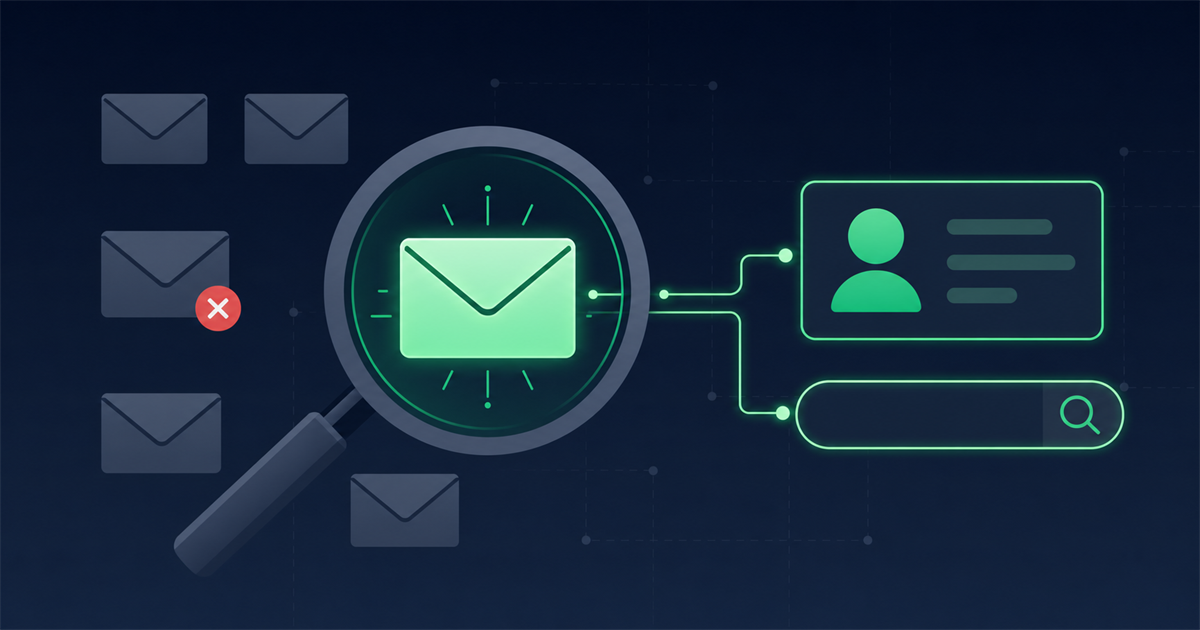

Overview
Finding a professional email address usually comes down to spotting the pattern a company uses, testing a likely address, and then verifying it before you hit send. Most business emails follow a small set of predictable formats, so with the right methods you can reach the right person without guessing blindly.
This guide walks through common address patterns, practical ways to find an address using a company site, LinkedIn, dedicated finder tools, and Google search operators. It also explains why verifying a guessed address matters and covers the ethics and GDPR side of cold outreach so you stay on the right side of both deliverability and the law.
What are the most common professional email patterns?
Most companies build their staff addresses from a handful of predictable formats using the person's name and the company domain. Once you know the domain and the person's full name, you can construct the likely candidates in seconds.
The patterns you will see most often, using Jane Smith at example.com, are:
- first.last@ becomes jane.smith@example.com
- firstlast@ becomes janesmith@example.com
- first@ becomes jane@example.com
- f.last@ becomes j.smith@example.com
- flast@ becomes jsmith@example.com
- first.l@ becomes jane.s@example.com
- last.first@ becomes smith.jane@example.com
Smaller companies often use first@ or first.last@, while larger organizations lean toward flast@ or first.last@ to avoid collisions between people who share a first name. If you can confirm the format for even one person at the company, you can usually apply it to everyone else there.
How do I find someone's email on a company website?
The company website is the fastest and most legitimate place to start, because businesses often publish addresses or reveal their format openly. Before reaching for any tool, spend two minutes on the site itself.
Check these pages in order:
- Contact page: Many sites list a general address such as hello@ or a department address such as sales@, which reveals the domain and sometimes the format.
- About or team page: Staff bios occasionally include direct addresses, and even a general pattern helps you infer individual ones.
- Press or media page: PR contacts are frequently published with full addresses.
- Blog author bylines: Author pages sometimes link to a personal work address.
- Page footer and privacy policy: A data protection or privacy contact address often appears here and confirms the domain format.
Even if you do not find your exact person, finding one real address confirms the company's pattern, which you then apply to the name you are actually chasing.
Can I find a professional email through LinkedIn?
LinkedIn is one of the best sources for confirming a person's full name, job title, and current employer, which are the inputs you need to build their address. It does not usually hand you the email directly, but it gives you everything to construct and check one.
Use LinkedIn like this:
- Confirm the exact spelling of the person's first and last name, including any hyphen or middle initial they use publicly.
- Confirm the current company so you target the right domain, since people change jobs often.
- Check the contact info section on their profile, where some users list a work or personal email.
- Note the company page to grab the official website domain.
Once you have the verified name and the current domain, combine them into the common patterns above and move on to testing which one is real.
How do email finder tools help?
Email finder tools search their databases and public web sources to return the most likely address for a person at a given company, which saves you from manual guessing. You typically enter a name and a company domain, and the tool returns a suggested address along with a confidence indicator.
These tools are helpful because they aggregate signals you could not easily gather yourself, such as addresses seen in public sources and previously confirmed patterns. A tool like a purpose built professional email finder can propose the address and flag how confident it is, which narrows your candidates fast.
That said, treat any tool's answer as a strong hypothesis rather than a fact. Databases go stale, people switch jobs, and a suggested address can be a pattern guess rather than a confirmed inbox. That is exactly why the next step, verification, is not optional.
Which Google search operators find email addresses?
Google search operators let you surface addresses that are already published somewhere public, which is often the cleanest way to find a confirmed email. Operators narrow a search so you only see pages likely to contain the address.
Try these searches, swapping in the real name, company, and domain:
- "Jane Smith" email site:example.com limits results to the company's own domain.
- "jane" "@example.com" looks for the domain format alongside the first name.
- "Jane Smith" ("email" OR "contact") example.com targets contact style pages.
- site:example.com filetype:pdf email surfaces PDFs like reports or brochures that often list staff addresses.
- "Jane Smith" example.com -site:example.com finds mentions on third party pages such as press releases and directories.
Published addresses found this way are the most reliable because a human put them there on purpose. When an operator search returns a real address, you can often skip straight to a quick verification.
Why must I verify a guessed address before sending?
You should verify any guessed or tool-suggested address before you email it, because sending to invalid addresses damages your sender reputation and wastes your outreach. A pattern guess is only a theory until a verification step confirms the mailbox actually exists and can receive mail.
Here is what goes wrong when you skip verification:
- Hard bounces pile up: Each message to a dead address counts against your reputation with mailbox providers, which then push more of your mail to spam.
- Spam traps bite: Some invalid guesses land on trap addresses that exist only to catch senders who do not verify.
- You look careless: Emailing the wrong person because the pattern was off makes a poor first impression.
Verification checks the address without sending your actual message. It confirms the domain routes mail and that the specific mailbox is present, so you send only to addresses that will accept the note. Running your shortlist of candidate addresses through a verification step tells you which pattern is the live one, so you send once, to the right inbox, instead of blasting several guesses.
What are the ethics and GDPR rules for outreach?
Even when an address is easy to find, you have a legal and ethical duty to contact people responsibly, and in Europe that means having a lawful basis under GDPR. Finding an address does not automatically grant you permission to market to it.
Keep these principles front of mind:
- Have a lawful basis: For B2B outreach to EU and UK contacts, senders commonly rely on legitimate interest, but you must be able to justify it and the message must be genuinely relevant to the person's role.
- Be relevant and personal: Reaching a marketing director about a marketing tool is defensible. Mass blasting unrelated offers is not.
- Identify yourself clearly: Say who you are, why you are writing, and how you got their details if asked.
- Offer an easy opt out: Every message should let the person decline further contact in one step.
- Respect a no: If someone asks you to stop or to erase their data, honor it promptly.
- Avoid personal accounts: Target role based work addresses rather than someone's private inbox.
Responsible outreach is not just about staying legal. Relevant, respectful messages get better responses, so the ethical path and the effective path point in the same direction.
Frequently asked questions
What is the most common professional email format?
The first.last@ format, such as jane.smith@example.com, is among the most common, especially at mid sized and larger companies. Smaller businesses often use just the first name, like jane@example.com. Confirming one real address at the company reveals the format they use for everyone.
Is it legal to find and email someone's professional address?
Finding a publicly available business address is generally legal, but emailing it for marketing is governed by rules like GDPR in Europe and similar laws elsewhere. You need a lawful basis, a relevant message, clear identification, and an easy opt out. Respect any request to stop or to erase the person's data.
Do email finder tools give accurate results?
Email finder tools are often accurate but not guaranteed, because their data can be outdated and some results are pattern guesses rather than confirmed inboxes. Always treat a tool's suggestion as a strong candidate and verify it before sending so you avoid bounces and reaching the wrong person.
How can I confirm a guessed email actually works?
Run the address through an email verification step, which checks whether the domain accepts mail and whether the specific mailbox exists, all without sending your real message. This confirms which of your candidate patterns is live so you contact the right inbox on the first try.

Comments (0)
No comments yet. Be the first to share your thoughts!
Leave a Comment
Your email address will not be published. Required fields are marked *